
Ads
Storyboard → finished ad (real example)
Finished JoJo spot (embedded from their Facebook) — stills below were the plan first.
Storyboard stills (JoJo)

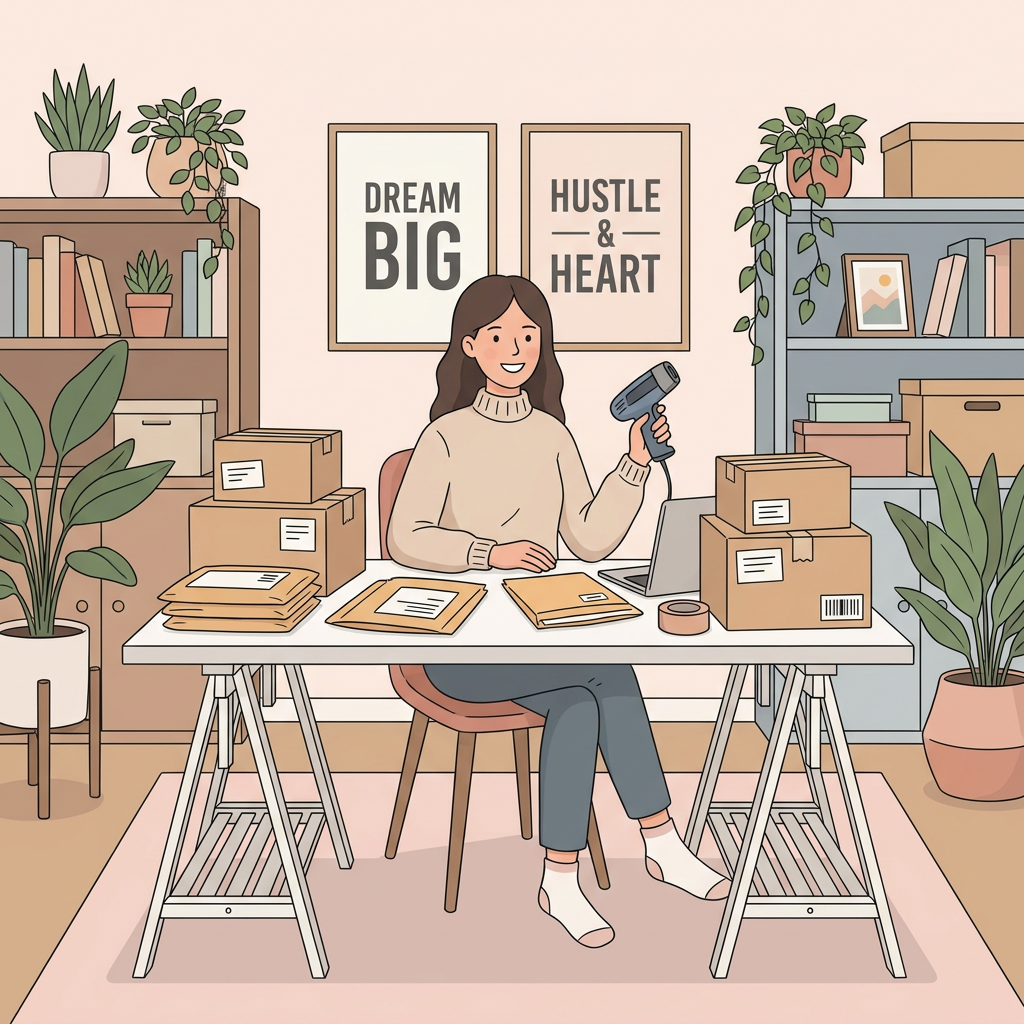

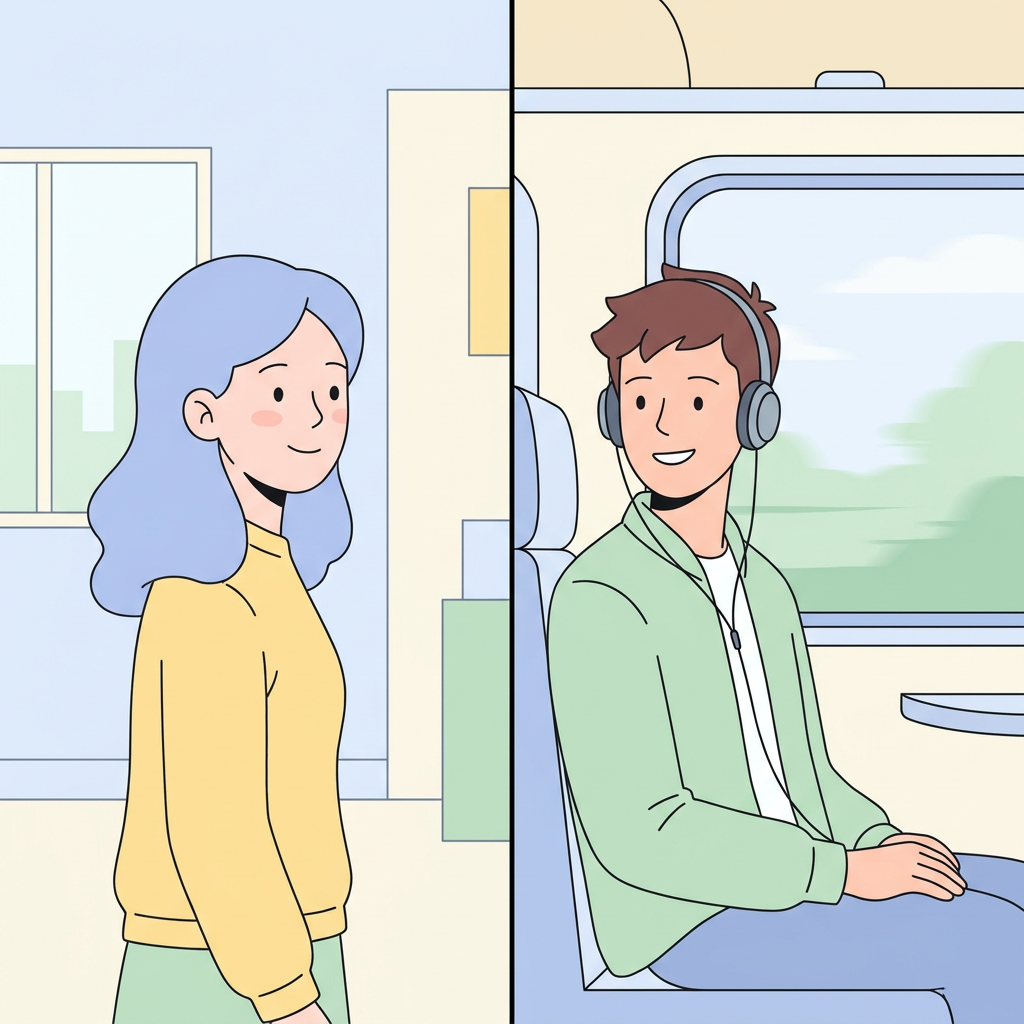
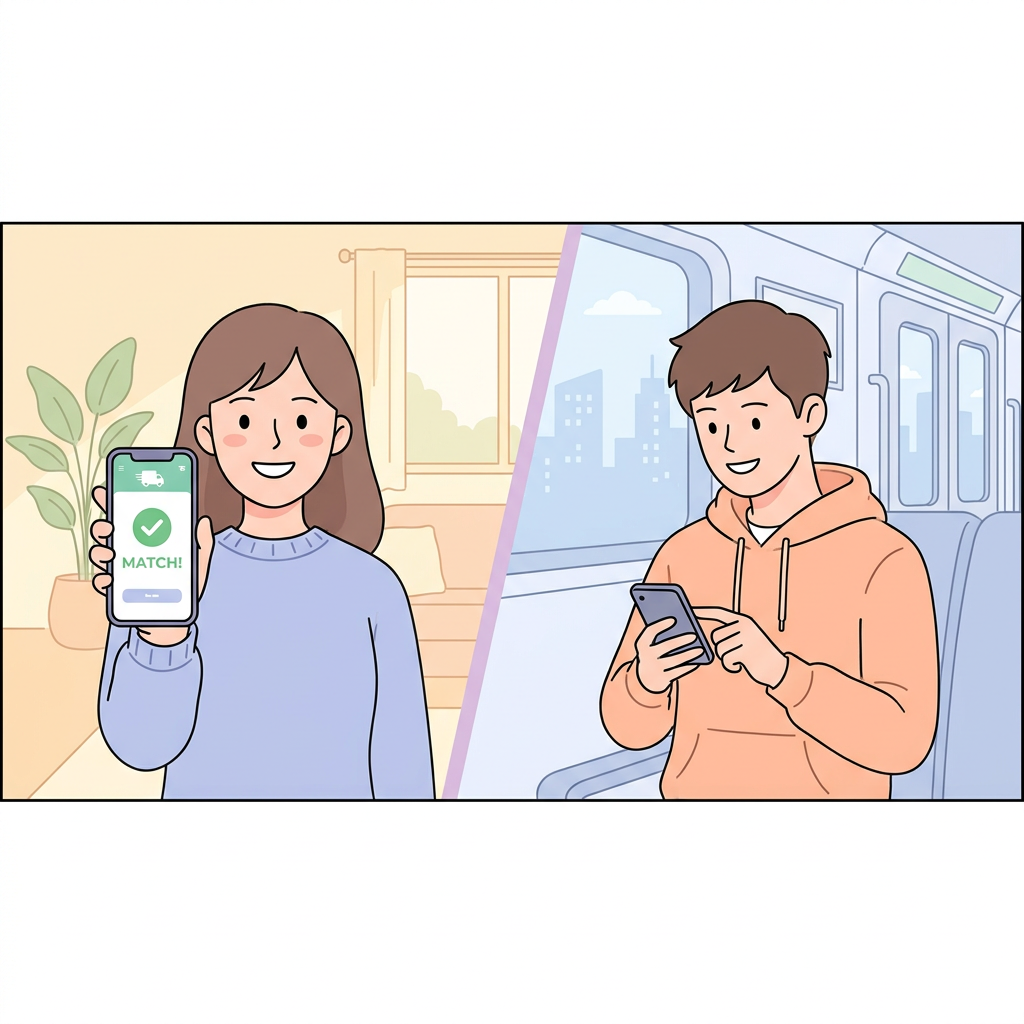
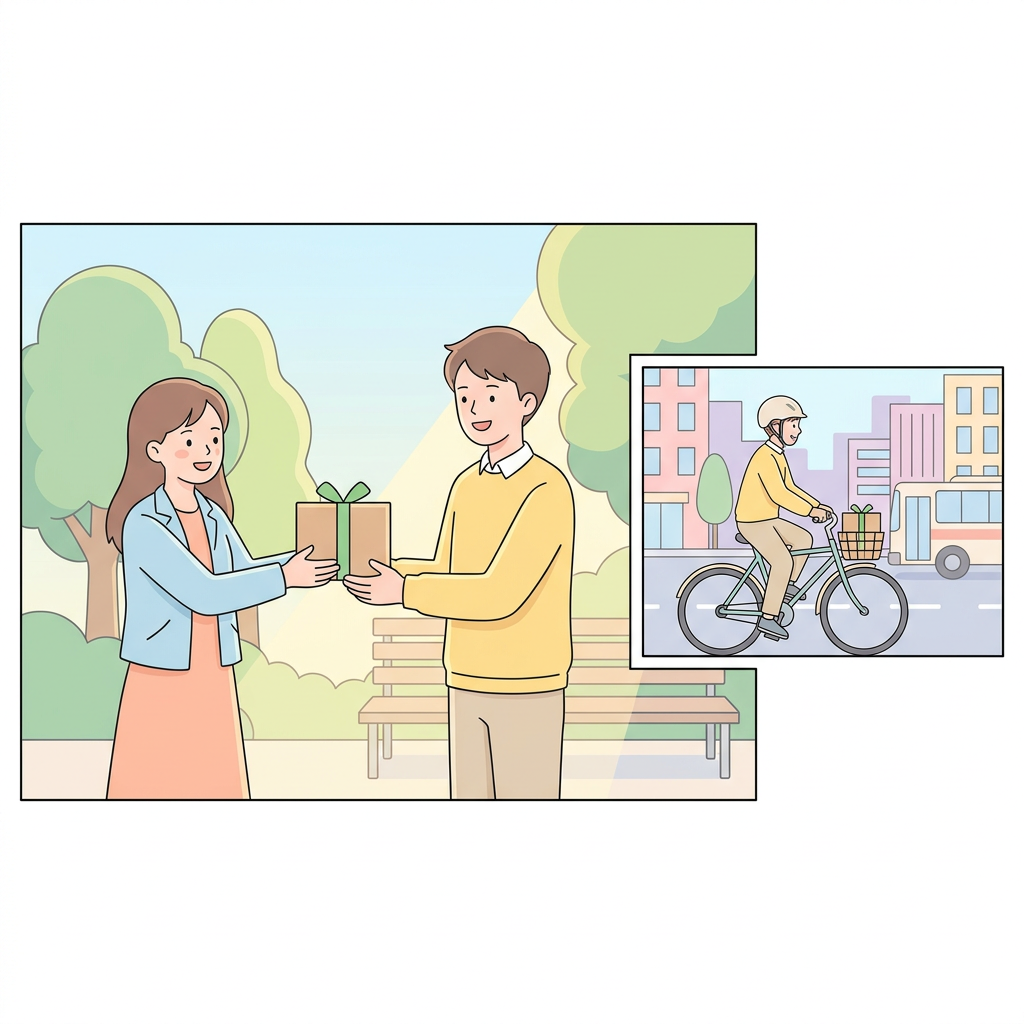
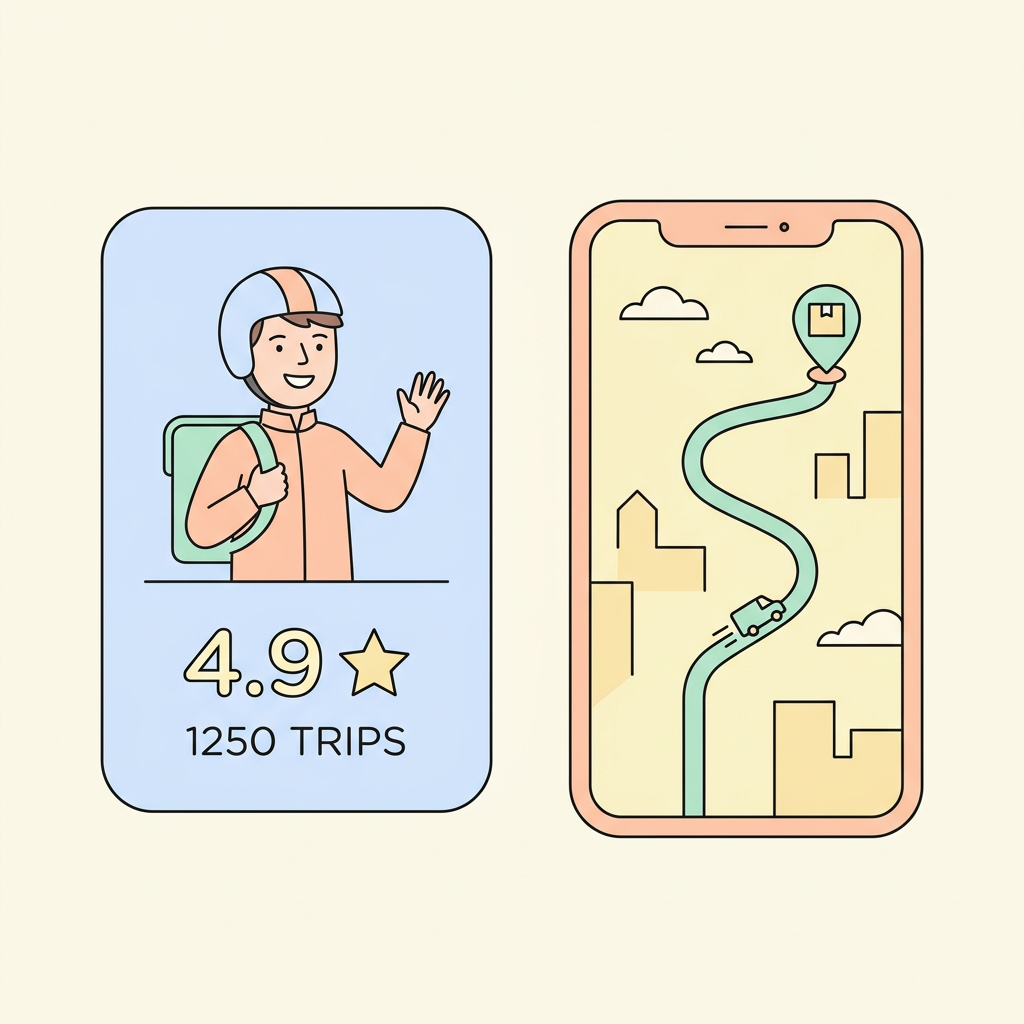
Study classic storyboards
- Hitchcock storyboards — Academy Museum (Story gallery) ↗
- Spielberg — Academy Museum (Jaws: The Exhibition) ↗
These open Academy Museum pages for study; we don't host their boards.
Try it — drop your own stills
Photos stay in this browser only and are not uploaded. This practice grid is browser-only — it is not the same as Start a storyboard below.
GPT Image / Nano Banana Pro on Lucy open the generate canvas under Start a storyboard — you stay on this page.
Directors plan stills first, then generate video per scene. Starting a storyboard below creates a real project — it does not animate this practice grid.
Full JoJo case study on the homepage →Stills first — make them here after you start, or outside and upload into each scene.
Make stills
On Lucy
Outside
Generate stills on Lucy
Your still will appear here
Generate on Lucy to fill this frame
Choose a generator
Popular — Lucy paid stills
Best for hyper-real character/location stills for this guide: GPT Image (on Lucy or ChatGPT). Nano Banana Pro when you want Google's highest-quality look.
$0.19 per still on Lucy · GPT Image on Lucy
Prompt guide (tips)
Character still: split-screen on flat white (full-body + chest-up). Fill age, build, features, hair, wardrobe. Push real skin — pores, uneven tone. Once you have the sheet, never re-describe the face — attach the image.
Location still: empty place only (no character). Match aspect (9:16 or 16:9). Name light, weather, and materials.
Cream templates use red [blanks] as fill-ins. Best all-rounder for hyper-real stills: GPT Image on Lucy.
Open full Prompt guide