 Lucy Labs
AI video and movies, pay as you go
Make a video from one prompt
Pick any leading model · from $2.99 per video · no signup, no subscription
Lucy turns your idea into a detailed shot prompt for Veo Fast (subject, action, setting, camera, light, sound) before filming. Your words, dialogue and story stay the same.
Choose your model
Running Veo 3.1 Fast on Lucy Labs
More options - duration, aspect ratio, your own photo, voice or audio
Sound
Veo is production-proven for its own native voice (Seedance 2.5, Veo Fast, Veo Lite, Veo Best and Kling v3 also attempt native audio). Seedance 2.0, Kling, MiniMax, and Grok render silent unless you add your own audio or pick a Lucy voice.
$2.99 per video · Veo Fast · 8s clip
Standard model · standard models $2.99, premium $3.99 per video
Secure checkout by Stripe · card, Apple Pay or Google Pay · no account needed
Making a few? ·
Still credits
Prepaid image balance for Generate on Lucy in the prompt guide.
Pack sizes are GPT Image–equivalent; Nano Banana Pro uses more credit per image.
Never use someone's face or voice without their permission. Failed or blocked generations are refunded automatically.
🧰 More tools - free editor, prompt guide, examples, model reviews
Free video editor
Join your clips into one video, in your browser, for free.
Combine my videos →What you can make with one sentence
Made on Lucy. One sentence, one tap, no photos.
A real person shows your product on their phone.
“A UGC TikTok ad: a guy in his twenties in his kitchen shows off his new matte-black insulated water bottle, shakes it to show the ice still rattling after a full day, and says it keeps drinks cold for 24 hours”
📸 Photos to add
- Character: 1 face photo, or skip (up to 8)
- Product: Front + label (up to 3)
- Location: Skip, or their room (up to 3)
✏️ Tips
- Put their words in "quotes".
- Say one thing the product does.
Borrow a movie's look
Watch a trailer. Tap "Try this look". Lucy makes a new idea in that style.
The look: Tiny people, giant deserts, low sun.
The look: Orange haze, neon, slow and huge.
Directed by Lucy vs. a plain prompt
Same sentence, same model. One was directed by Lucy, one was typed straight in.
“A cinematic moment: an old violinist plays alone on a rainy Paris street at night, a young girl stops to listen”
- Two planned shots, like a real movie
- Same light and colours all the way
- Same people in every shot
- One shot, camera stays put
- Looks like a stock video
- No story
Prompt guide to make hyper realistic videos
Character + location stills → named @Image refs → per-second Seedance beats
Build hyper-real clips on Seedance: lock a character sheet, empty location, bind @Image refs, then write timed beats as 0s-3s (not 0:00-0:03). Generate stills in ChatGPT or on Lucy, animate here, stitch longer cuts in /stitch. Hyper-real people work best on Seedance directly — Lucy offers Seedance but cannot get those results through Lucy. Veo/Kling remain fine as alternatives at the end.
You fill these (red) — every [bracketed blank] in cream paste boxes is yours to replace before you generate.
1. Character still
Go to an image generator like ChatGPT, or choose one below, and paste this.
Here's the example.
Split-screen character reference sheet, 2K, 9:16.

LEFT half: full-body standing, head-to-toe, facing camera, relaxed neutral stance.
RIGHT half: tight chest-up portrait of the SAME person, same wardrobe, same lighting.

Subject: 28, athletic, light freckles across the nose, short dark curls, wearing a navy hoodie and black joggers, quiet confidence.

Background: pure white seamless void, empty, no props.
Lighting: flat soft even studio light, frontal.
Skin: hyper-real — visible pores, fine lines, uneven tone, peach fuzz. No beauty filter.

Photorealistic. Identity must match exactly across both panels.
Here's the guide.
- Split-screen on flat white: left = full-body, right = chest-up
- Fill age, build, features, hair, wardrobe, demeanor
- Push real skin — pores, uneven tone, peach fuzz (no beauty filter)
- Once you have the sheet, never re-describe the face — only attach the image
Template to paste:
Split-screen character reference sheet, 2K, [16:9 or 9:16].

LEFT half: full-body standing, head-to-toe, facing camera, relaxed neutral stance.
RIGHT half: tight chest-up portrait of the SAME person, same wardrobe, same lighting.

Subject: [your character age], [build], [2–3 distinguishing features], [hair], wearing [wardrobe], [demeanor].

Background: pure white seamless void, empty, no props, no floor line distraction.
Lighting: flat soft even studio light, frontal, no rim, no colour cast, no dramatic shadows.
Skin: hyper-real — visible pores, fine lines, uneven tone, peach fuzz or light stubble, faint freckling. No beauty filter, no plastic skin, no glossy retouching.

Photorealistic. Identity must match exactly across both panels.
Your still will appear here
Generate on Lucy to fill this frame
Choose a generator
Popular — Lucy paid stills
Best for hyper-real character/location stills for this guide: GPT Image (on Lucy or ChatGPT). Nano Banana Pro when you want Google's highest-quality look.
Others — outside links
You don't need to generate on Lucy — there's an option if you want to. Honest takes:
- ChatGPT ↗Best all-rounder for hyper-real stills when you paste outside — same GPT Image family as Lucy. You don’t need to generate on Lucy — there’s an option if you want to.
- Gemini ↗Strong photoreal stills and Nano Banana’s home outside Lucy — solid if you already live in Google’s apps.
- Midjourney ↗Wins stylized beauty, but not the top pick for hyper-real pores/identity lock for this Seedance path — use midjourney.com directly (no public API).
- Flux ↗Strong photorealism via other tools — great outside option when you already have a Flux workflow.
- Ideogram ↗Best when you need readable text in-frame (labels, signs). Less ideal as the default for face/location identity stills.
$0.19 per still on Lucy · GPT Image on Lucy
Prompt guide (tips)
Character still: split-screen on flat white (full-body + chest-up). Fill age, build, features, hair, wardrobe. Push real skin — pores, uneven tone. Once you have the sheet, never re-describe the face — attach the image.
Location still: empty place only (no character). Match aspect (9:16 or 16:9). Name light, weather, and materials.
Cream templates use red [blanks] as fill-ins. Best all-rounder for hyper-real stills: GPT Image on Lucy.
Open full Prompt guidePrefer outside? Open ChatGPT / Midjourney / etc. under Others, paste the cream template (red [blanks] = fill-ins), and bring the still back here — or generate on Lucy with a still pack. Best all-rounder for this guide: GPT Image.
2. Location still
Go to an image generator like ChatGPT, or choose one below, and paste this.
Here's the example.
Empty boxing gym interior, 2K, 9:16 vertical.

Worn wooden floor with scuffs, heavy bags in the mid-ground, ropes of a ring visible on the right, chalk dust in the air.
Late-afternoon light from high windows on the left — warm shafts cutting through cooler shadow in the corners.
Materials: scuffed timber, worn leather bags, dusty air.
No people, no text, no logos. Photorealistic, natural colour, slight film grain.
Here's the guide.
- Empty place only — no character (separate plate from the sheet)
- Match the character sheet's aspect (9:16 or 16:9)
- Name light / weather and materials you can almost touch
- History paths: exact year + ban anachronisms; no people, text, or logos
Template to paste:
Empty [your location / place] interior, 2K, [9:16 or 16:9].

[2–3 concrete details of the space].
[Time of day / weather / light direction].
Materials: [surfaces you can almost touch].
No people, no text, no logos. Photorealistic, natural colour, slight film grain.
Your still will appear here
Generate on Lucy to fill this frame
Choose a generator
Popular — Lucy paid stills
Best for hyper-real character/location stills for this guide: GPT Image (on Lucy or ChatGPT). Nano Banana Pro when you want Google's highest-quality look.
Others — outside links
You don't need to generate on Lucy — there's an option if you want to. Honest takes:
- ChatGPT ↗Best all-rounder for hyper-real stills when you paste outside — same GPT Image family as Lucy. You don’t need to generate on Lucy — there’s an option if you want to.
- Gemini ↗Strong photoreal stills and Nano Banana’s home outside Lucy — solid if you already live in Google’s apps.
- Midjourney ↗Wins stylized beauty, but not the top pick for hyper-real pores/identity lock for this Seedance path — use midjourney.com directly (no public API).
- Flux ↗Strong photorealism via other tools — great outside option when you already have a Flux workflow.
- Ideogram ↗Best when you need readable text in-frame (labels, signs). Less ideal as the default for face/location identity stills.
$0.19 per still on Lucy · GPT Image on Lucy
Prompt guide (tips)
Character still: split-screen on flat white (full-body + chest-up). Fill age, build, features, hair, wardrobe. Push real skin — pores, uneven tone. Once you have the sheet, never re-describe the face — attach the image.
Location still: empty place only (no character). Match aspect (9:16 or 16:9). Name light, weather, and materials.
Cream templates use red [blanks] as fill-ins. Best all-rounder for hyper-real stills: GPT Image on Lucy.
Open full Prompt guidePrefer outside? Open ChatGPT / Midjourney / etc. under Others, paste the cream template (red [blanks] = fill-ins), and bring the still back here — or generate on Lucy with a still pack. Best all-rounder for this guide: GPT Image.
3. Embed character in place
- Make a composite still first, or in video bind explicitly: @Image1 is the character… @Image2 is the location…
- Relight the person to match the place — drop the sheet's flat studio light.
- Feet planted, shadow direction matching the room, correct scale.
- Then a living hold: soft breathing, tiny weight shift — not a mannequin freeze.
Composite still:
Photoreal still. @Image1 is the person (face, hair, body, wardrobe — identity lock). @Image2 is the location (environment + lighting only).

Place @Image1 naturally inside @Image2 at [where in the frame]. Relight the person to match the location’s light direction and colour temperature — do not keep the white-studio light from the character sheet.
Feet grounded on the floor, contact shadow matching the room’s light. Correct scale for the space.
Match weather / colour temp: [time of day / weather from @Image2].
Same camera height as a documentary still. No beauty filter. No text, logos, or watermarks.
Living hold (short video):
@Image1 is the character (identity only). @Image2 is the location (environment + lighting).
@Image1 standing in @Image2 at [where in the frame]. Relight subject to match the room. Soft natural breathing, a natural blink, tiny weight shift. [ONE camera move or static hold]. Do not add subtitles. No logos.
4. Faces, angles & embedding
Lock the face with stills first, count your angles, then embed naturally into an empty location plate. Prefer images + physical language over JSON.
JSON vs physical language
- JSON usually isn't required — it organizes your thinking. Models care about reference images + physical language (pores, blinks, feet planted), not curly braces.
- Structured blocks (REFERENCE MAP / TIMED BEATS / CONSTRAINTS) are fine.
- Wrapping the whole prompt in {json} rarely improves pixels. API JSON for settings (duration, aspect, seed) is separate.
JSON usually is NOT required for hyper-real stills or Seedance beats.
It organizes YOUR thinking — models care about reference images + physical language (pores, blinks, feet planted), not curly braces.
Structured text blocks (REFERENCE MAP / TIMED BEATS / CONSTRAINTS) are fine.
Wrapping the whole prompt in {json} rarely improves pixels.
API JSON for settings (duration, aspect, seed) is separate from the creative prompt.
Hyper-real consistent faces
- Lock stills first — split sheet = full-body + chest-up on flat white.
- If identity drifts, add 3/4 + profile panels of the same person (same wardrobe/hair/light).
- Practical Seedance recipe: 2–4 key refs (soft best 1–8). Bind @Image1 once — don't re-describe the face each beat.
Angle counts
- Minimum: 1 good sheet (split full-body + chest-up).
- Stronger: front + 3/4 + profile (~3–4) + body when you need orbit / walk-around lock.
- 8+ near-duplicates hurt — diversity beats volume.
Multi-angle lock sheet (paste):
Multi-angle face/body lock sheet, 2K, [9:16 or 16:9].

Panel A — front: chest-up, eyes to camera, neutral mouth, flat soft studio light on pure white.
Panel B — 3/4: same person, slight turn [left or right], same wardrobe + hair, same light.
Panel C — profile: same person, true side view, ear visible, same wardrobe + hair.
Optional Panel D — full-body front standing, head-to-toe, relaxed neutral stance (if not already on your split sheet).

Subject: [age], [build], [2–3 distinguishing features], [hair], wearing [wardrobe].
Skin: hyper-real — visible pores, fine lines, uneven tone, peach fuzz. No beauty filter.
Identity must match exactly across every panel. Pure white void background.
Natural embed
- Empty location as @Image2; place @Image1 in; relight to the room.
- Feet planted + contact shadow + correct scale.
- Living breath / weight shift — not a mannequin freeze.
- One camera move per beat; match weather/colour temp to @Image2.
Natural embed still (paste):
Photoreal composite. @Image1 is the person (face/hair/body/wardrobe — identity lock only). @Image2 is the empty location (environment + lighting only).

Place @Image1 naturally inside @Image2 at [where in the frame — e.g. mid-ground left of the doorway].
Relight the person to match @Image2 light direction and colour temperature — drop white-studio light from the sheet.
Feet planted on the floor with a soft contact shadow matching the room light. Correct scale for the space.
Match weather / colour temp to @Image2 ([time of day / weather]).
Living still energy: soft breathing, tiny weight shift, one natural blink — not a mannequin freeze.
Camera: [one framing — e.g. medium documentary still], eye-level. No beauty filter. No text, logos, or watermarks.
Seedance beat skeleton (paste):
REFERENCE MAP
@Image1 is the character (face, body, wardrobe — identity only; bind once — do not re-describe the face each beat).
@Image2 is the empty location (environment + lighting).

INVENTORY / CONTINUITY LOCKS
Same person as @Image1. Same place as @Image2. Relight to @Image2. Feet grounded + contact shadow + correct scale. Soft breathing, natural blinks, tiny weight shifts. Hair/wardrobe/weather locked.

TIMED BEATS (~8s)
0s-3s: [framing + ONE camera move]. @Image1 [subject action] in @Image2. Match weather/colour temp. [physical expression — not a mood word].
3s-6s: [framing + ONE different move]. [action that advances the plot]. Same light side.
6s-8s: [static hold or tiny push-in]. [payoff]. Hold final frame clean.

CONSTRAINTS
Do not add subtitles. No logos. Photoreal pores. One camera move per beat. Prefer Seedance. Practical refs: 2–4 images (soft best 1–8).
5. Hyper-real Seedance video
Add 2–4 images (practical Lucy recipe). In the prompt write a REFERENCE MAP, then timed beats with Seedance syntax 0s-3s / 3s-7s.
- Seedance 2.0: up to ~9 refs · Seedance 2.5: up to ~30 images (soft best with 1–8 image subjects)
- Typical hyper-real set: @Image1 character sheet · @Image2 location · optional @Image3 product · optional @Image4 start keyframe
- Bind every image: “@Image1 is the character (face, body, wardrobe — identity only, not lighting/background)”
- Each beat: ONE camera move + subject action + light continuity + physical expression + optional dialogue/SFX — enough plot, not overloaded
Full paste template:
REFERENCE MAP
@Image1 is the character (face, body, wardrobe — identity only, not lighting/background).
@Image2 is the location (environment + lighting).
@Image3 is [your product — optional label/shape lock].
@Image4 is [start keyframe — optional opening composition].

How many images: typically 2–4 for hyper-real Seedance clips (direct Seedance; not hyper-real people through Lucy). Seedance 2.0 accepts up to ~9 refs; Seedance 2.5 up to ~30 images (soft best with 1–8 image subjects). Never re-describe the face once the sheet exists — attach @Image1.

INVENTORY / CONTINUITY LOCKS
Same person as @Image1. Same place as @Image2. Relight subject to @Image2 (drop white-studio light). Feet grounded, contact shadow matching room light, correct scale. Soft breathing, natural blinks, tiny weight shifts. Hair / wardrobe / weather locked. Photoreal pores — no beauty filter.

TIMED BEATS (~8s — Seedance 2.0/2.5 friendly)
0s-3s: [framing + ONE camera move]. @Image1 [subject action] in @Image2. Light/weather continuity. [physical expression — not a mood word]. Soft ambience.
3s-6s: [framing + ONE different move]. [subject action that advances the plot]. Same light side. Optional {[short dialogue]} or <[sfx]>.
6s-8s: [framing + static hold or tiny push-in]. [payoff action]. Hold final frame clean.

CONSTRAINTS
Do not add subtitles. No logos/watermarks. Photoreal pores. Relight to scene. One move per beat. Matching shadows/scale. Prefer Seedance for this hyper-real path (Veo/Kling ok as alternatives).
6. Style paths (cinematic / UGC / history-influencer)
Pick a path, add the noted images, paste the prompt into Seedance (or try Veo/Kling). Each block includes image map, timed beats, and why the camera moves were chosen.
A · Cinematic short
Dramatic coverage, one camera move per beat, emotion through physical action — Seedance timestamps.
Add 2 images (typical): @Image1 character sheet or start keyframe, @Image2 empty location. Optional @Image3 product / @Image4 end keyframe.
Why these moves: tracking establishes geography; push-in buys intimacy on the reaction; static CU locks the payoff. Swap tracking for a slow pull-back if you want scale reveal instead.
REFERENCE MAP
@Image1 is the character (face, body, wardrobe — identity only, not lighting/background).
@Image2 is the location (environment + lighting).

INVENTORY / CONTINUITY LOCKS
Same person as @Image1. Same place as @Image2. Relight subject to match @Image2 light direction and colour temperature. Soft breathing + tiny weight shifts. Hair, wardrobe, weather locked. No beauty filter.

TIMED BEATS (~8s)
0s-3s: Cinematic wide, slow gentle tracking beside her (choose tracking to keep her moving through space without a cut). @Image1 walks slowly through @Image2, dust or light haze drifting, feet planted with correct scale and contact shadow. Dramatic side light, photoreal 4K. Soft ambient bed.
3s-6s: Medium shot, slow push-in (choose push-in when the emotion tightens). She stops; shoulders drop on a long exhale; jaw softens; gaze holds past the lens — no smile yet. One blink. Continuity: same light side as beat 1.
6s-8s: Close-up, static hold (choose static to land the beat clean). Side light rakes pores and fine lines; hair edge drifts once; hold the final frame clean.

CONSTRAINTS
Do not add subtitles. No logos/watermarks. Photoreal pores. Matching shadows/scale to @Image2. One camera move per beat. Prefer Seedance.
B · UGC product selling
Bathroom or desk selfie energy, product in hand, genuine reaction dialogue — timed for Seedance.
Add 3 images: @Image1 character sheet (chest-up or split sheet), @Image2 empty bathroom/desk, @Image3 product packshot.
Why these moves: handheld sway = phone authenticity; close-up sway for the apply/demo; static hold so the label reads. Keep spoken lines under ~15 words per beat. Leave one silent reaction beat.
REFERENCE MAP
@Image1 is the character (face, body, wardrobe — identity only, not lighting/background).
@Image2 is the location (bright bathroom or desk — environment + lighting).
@Image3 is the product (label, shape, colour — packaging lock).

INVENTORY / CONTINUITY LOCKS
Same person as @Image1. Same room as @Image2. Same product as @Image3. Relight subject to morning/afternoon window light from @Image2. Soft breathing throughout. Product shade/label never changes. No beauty filter.

TIMED BEATS (~8s)
0s-2s: Medium selfie-style handheld sway, eye-level (choose handheld for UGC authenticity). @Image1 holds @Image3 toward camera in @Image2, twists the cap or turns the pack so the label reads. Soft room tone, no music.
2s-5s: Close-up, slight handheld sway. She uses @Image3 in one clear demo action, presses lips or nods once, corner of mouth tugs into a real small smile. {"Okay, this actually works."}
5s-8s: Medium close-up, static hold (choose static so packaging stays sharp). She turns toward window light, holds @Image3 beside her face; pores and peach fuzz visible; silent beat — small satisfied exhale.

CONSTRAINTS
Do not add subtitles. No logos/watermarks beyond the product label. Photoreal pores, iPhone UGC look. One camera move per beat. Relight to @Image2.
C · History-influencer explainer
Modern-outfit Gen Z host dropped into a period-accurate location (never period costume) — walk-and-talk enter → watch → walk-away closing thoughts. History-influencer / explainer shorts energy; original Lucy prompts.
Add 2–3 images: @Image1 forever-modern character sheet (jeans/crop/hoodie — never period dress), @Image2 empty period location plate (exact year, materials, weather, ban anachronisms). Optional @Image3 start keyframe of her already in frame.
Keep wardrobe modern in every beat. Location plate carries the era. Ban phones in locals' hands, modern signage, cars, plastic, LED, sneakers on extras. Prefer Seedance for multi-image identity lock.
Prompt-only example — original Lucy template, no third-party clip embedded.
REFERENCE MAP
@Image1 is the character (face, body, wardrobe — identity only). Wardrobe stays modern Gen Z streetwear forever — never period costume.
@Image2 is the location (period environment + lighting only — exact year locked). Empty of modern people/props in the still.

INVENTORY / CONTINUITY LOCKS
Host identity = @Image1 only. Era = @Image2 only (e.g. London street, 1666 — timber frames, cobbles, smoke haze, late-afternoon amber light). Locals in background wear period dress only; host never changes into period clothes. Relight host to @Image2. Soft breathing, natural blinks, tiny weight shifts while walking. Ban anachronisms: no cars, phones, plastic, LED signs, modern logos, sneakers on extras.

TIMED BEATS (~8s)
0s-3s: Medium handheld selfie / walk-and-talk, slight sway (choose handheld so it feels like a phone vlog). @Image1 enters @Image2 from frame left, walking toward camera then turning to show the street; modern outfit contrasted against timber and smoke. {"Okay — so this is London, 1666, right before everything burns."} Distant period crowd murmur, wood-cart wheels, no music.
3s-6s: Medium, slow tracking beside her (choose tracking to keep walking without a cut). She watches a smoke plume rise over rooftops; one slow blink; shoulders tense on a sharp inhale; points once with her free hand. Soft wind, distant shout in period language (do not subtitle).
6s-8s: Medium, handheld as she walks away then glances back over her shoulder (choose walk-away for a closing thought). {"And nobody here knows what's coming."} Hold final frame clean — pores readable, no beauty filter.

CONSTRAINTS
Do not add subtitles. No logos/watermarks. Photoreal. Host wardrobe locked modern. Period accuracy locked to @Image2. One camera move per beat. Prefer Seedance.
Path tip — open Camera + expression craft and Lessons from great directors below for animated move/expression/technique previews and Seedance-ready Copy prompt phrases (one move per beat).
More product-ad results: Our review of the AI models · /product-showcase/veo_generic_cup.mp4 and Harper clips under /product-showcase/.
7. Camera + expression craft
Animated previews + Seedance-ready Copy prompt phrases for camera moves and physical expressions, then mix-and-match craft chips (skin, lighting, @Image counts, beats).
Camera move chooser
Tap a move to see what it does, when to use it, then copy a Seedance-ready phrase. One camera move per beat.
Phrases below are written the way Seedance follows — paste into one timed beat.
Dolly in
Does: Camera physically moves closer; subject grows in frame.
When: Emotion tightens, intimacy, product reveal.
Dolly out
Does: Camera pulls back; more of the world enters frame.
When: Reveal scale, end on geography, release tension.
Push-in (zoom feel)
Does: Optical / framing push — subject fills frame without a hard cut.
When: Rising tension or focus on a face/detail without walking the camera.
Track left
Does: Camera travels left with (or past) the subject.
When: Walk-and-talk, keep a walker moving without cutting.
Track right
Does: Camera travels right with (or past) the subject.
When: Sideways travel, follow action across a street or room.
Orbit / arc
Does: Camera circles the subject; world holds, angle changes.
When: Spectacle, product hero, bullet-time energy.
Tilt up
Does: Lens tips upward; reveals height or sky.
When: Power, architecture, look-up motivation.
Tilt down
Does: Lens tips downward; finds ground or detail.
When: Vulnerability, find a prop/feet, settle the beat.
Pan left
Does: Camera rotates left on a fixed spot; frame slides.
When: Redirect attention inside one space (motivated look).
Pan right
Does: Camera rotates right on a fixed spot; frame slides.
When: Motivated look-off, reveal something enter frame-right.
Handheld
Does: Slight organic sway — phone / documentary energy.
When: UGC, selfie, walk-and-talk authenticity (not shake-cam).
Static lock-off
Does: Tripod-still; nothing moves except the subject.
When: Land a payoff, read a label, freeze emotion clean.
Crane / rise
Does: Camera rises (or descends) for height and scale.
When: Open on a world, exit a scene with lift, hero moment.
Whip pan
Does: Fast blur pan between two clear end-frames.
When: Energy cut without an edit — use sparingly.
Rack focus
Does: Focus shifts from near to far (or reverse); frame stays put.
When: Redirect attention without moving camera — dialogue, product vs face.
Expression chooser
Physical facial and body cues — never mood words alone. Copy into one timed Seedance beat.
Phrases below are written the way Seedance follows — paste into one timed beat.
Smile
Does: Mouth corners lift; cheeks soften.
When: Warm payoff, product approval, soft close.
Laugh
Does: Shoulders bounce; eyes crinkle; mouth opens briefly.
When: Genuine reaction beat after a demo or joke.
Soft blink
Does: One natural blink, then gaze holds.
When: Living hold, anti-mannequin, quiet intimacy.
Furrowed brow
Does: Brows draw together; forehead creases.
When: Concentration, concern, listening hard.
Look to camera
Does: Eyes turn straight into the lens and hold.
When: Direct address, UGC hook, closing thought.
Look off
Does: Gaze drifts past the lens to something off-frame.
When: Reaction to off-screen action, thought beat.
Whisper
Does: Lean in; lips part soft; jaw loose.
When: Confessional aside, intimate product tip.
Long exhale
Does: Shoulders drop; jaw unclenches; chest falls.
When: Release tension, land emotion after a push-in.
Eyebrow lift
Does: One brow lifts; mouth corner tugs then settles.
When: Skeptical interest, wry product reaction.
Sharp inhale
Does: Chin tips up; nostrils flare before speaking.
When: Before dialogue, surprise, bracing for a line.
Lips press → smile
Does: Lips press together, then break into a small smile.
When: Build then release — UGC approval beat.
Weight shift
Does: Tiny foot-to-foot shift while standing.
When: Living hold, walk-and-talk pause, anti-freeze.
More craft chips below — open one, copy a line into your Seedance prompt. The Camera angles chip is the text summary; prefer the visual choosers above.
Skin / pores
Hyper-real vocabulary for stills + video constraints
visible poresfine linesuneven tonepeach fuzzlight stubblefaint frecklingno beauty filterno plastic skin
Skin / pores
Hyper-real vocabulary for stills + video constraints
Paste into stills or CONSTRAINTS:
Skin: hyper-real — visible pores, fine lines, uneven tone, peach fuzz or light stubble, faint freckling. No beauty filter, no plastic skin, no glossy retouching.
Expressions (physical)
Body beats — never mood labels like “happy” or “sad”
slow blinklong exhaleshoulder dropjaw unclencheseyebrow liftlips press then soft smileweight to back footsharp inhale
Expressions (physical)
Body beats — never mood labels like “happy” or “sad”
Prefer the visual Expression chooser above (animated cards + Copy prompt) — physical cues Seedance follows, never mood words alone.
Quick reminder:
• Shoulders drop; a long exhale; jaw unclenches.
• One eyebrow lifts; corner of the mouth tugs, then settles.
• She soft-blinks once then holds gaze at the lens.
• Lips press together, then break into a small real smile.
• Tiny weight shift foot-to-foot; fingers fidget once on the product.
• Chin tips up; nostrils flare on a sharp inhale before she speaks.
Location details
Materials, weather, time of day, haze, period-safe crowds
exact yearmaterials you can touchtime of dayweather / hazeempty still firstperiod-safe extrasban anachronisms
Location details
Materials, weather, time of day, haze, period-safe crowds
Empty place still first — no character.
Name: [place] + [exact year if history] + [2–3 materials] + [light/weather].
Crowds: only if period-safe; ban cars, phones, plastic, LED, modern logos.
Match aspect to the character sheet ([9:16 or 16:9]).
Camera angles + moves
What each does + when to choose it (director thinking)
static holdslow push-inpull-backpantilttrackinghandheld swayorbit / bullet timewhip panlow / high angleextreme CU → wide
Camera angles + moves
What each does + when to choose it (director thinking)
Prefer the visual Camera move chooser above (animated cards + Copy prompt) — one move per beat; phrases describe what the frame does so Seedance follows.
Quick reminder:
• Static lock-off — land a payoff / read a label.
• Dolly in / push-in — intimacy when emotion tightens.
• Dolly out / pull-back — reveal scale after a tight beat.
• Track left/right — walk-and-talk without cutting.
• Pan / tilt — motivated look inside one space.
• Handheld sway — UGC / selfie energy (not shake-cam).
• Orbit / arc — spectacle or product hero.
• Crane / rise — open on a world or lift out.
• Whip pan — fast blur between two clear end-frames (sparingly).
• Rack focus — redirect attention without moving the camera.
Snippet: Camera: medium shot, slow push-in, eye-level. One move only. Hold the final frame clean.
Blinking / breathing / weight
Anti-mannequin micro-motion so the hold feels alive
soft breathingnatural blinktiny weight shifthair driftcoat edge flutternot a freeze
Blinking / breathing / weight
Anti-mannequin micro-motion so the hold feels alive
On every living hold or quiet beat:
Soft natural breathing, a natural blink every few seconds, tiny weight shift foot-to-foot. Hair or coat edge may drift. Not a mannequin freeze.
Background motion
Wind, crowd blur, dust, traffic — vs locked subject
wind in hairdust / haze driftcrowd murmur blurtraffic bokehsubject lockedbg moves more
Background motion
Wind, crowd blur, dust, traffic — vs locked subject
Say what moves vs what stays:
Background: light haze / dust drifting; distant crowd soft blur; wind in banners.
Subject: mostly locked identity — only micro-breathing and blinks.
Useful for bullet-time, history streets, and cinematic wides.
Lighting / continuity / exclusions
Colour temp, relight, continuity locks, no subtitles
relight to scenematch shadow sidecolour temperaturecontinuity locksDo not add subtitlesno logos
Lighting / continuity / exclusions
Colour temp, relight, continuity locks, no subtitles
Relight the person to match the location — drop the character sheet's flat studio light.
Match contact-shadow direction and colour temperature to the room.
Continuity: hair, wardrobe, product label, weather locked across beats.
Always: Do not add subtitles. No logos/watermarks unless you want them.
@Image count + naming
How many refs + how to bind each one in the prompt
Seedance 2.0 ~9Seedance 2.5 ~30best 1–8 subjectspractical 2–4@Image1 character@Image2 location
@Image count + naming
How many refs + how to bind each one in the prompt
Add N images, then bind them in the prompt:
• Seedance 2.0: up to ~9 refs. Seedance 2.5: up to ~30 images (soft best results with 1–8 image subjects).
• Practical Seedance hyper-real recipe (best connecting to Seedance directly — Lucy offers Seedance but cannot get hyper-real people results through Lucy): typically 2–4 images — e.g. @Image1 character sheet (or chest-up), @Image2 location, optional @Image3 product / @Image4 start keyframe.
• Write: "@Image1 is the character (face, body, wardrobe — identity only, not lighting/background)."
• "@Image2 is the location (environment + lighting)."
• "@Image3 is the product" if needed.
• Use the same labels in every timed beat. Never re-describe the face in text once the sheet exists — attach the image.
Per-second Seedance beats
Use 0s-3s / 3s-7s — not 0:00-0:03
0s-3s3s-7sone move + actionlight continuityphysical expressionoptional dialogue/SFX
Per-second Seedance beats
Use 0s-3s / 3s-7s — not 0:00-0:03
Seedance timestamp syntax: 0s-3s / 3s-7s (NOT 0:00-0:03).
Each beat: ONE camera move + subject action + light/weather continuity + physical expression (not mood words) + optional dialogue/SFX.
Pack enough plot that the model doesn't improvise freely; don't overload or you'll get frantic cuts.
Friendly lengths: ~8s clips for Seedance 2.0 / 2.5.
More worked prompts (by style)
Cinematic action
Pursuit through an abandoned parking garage
[CHARACTER]
A synthetic pursuer built for one purpose: relentless, unblinking pursuit. Broad-shouldered chrome endoskeleton visible through tears in scorched synthetic skin along one forearm, glowing red optical sensors, torn leather jacket, combat boots. Moves with mechanical, unnervingly steady precision - no hesitation, no fatigue.

[SCENE]
A derelict multi-story parking garage at night. Flickering fluorescent tubes, concrete pillars streaked with rust, oil pooling under abandoned cars, a single exit ramp spiraling down into darkness.

[SHOT SEQUENCE]
SHOT 1 (0s-2s): Low-angle tracking shot, camera mounted street-level beside the motorcycle. The pursuer guns the engine, front wheel lifting slightly, sparks skittering off a support pillar as the handlebar clips it.
SHOT 2 (2s-5s): Handheld chase cam, whip-panning between the bike and a support column - a fuel-drum rupture kicks an orange fireball skyward, trailing black smoke, debris scattering across the oil-stained floor.
SHOT 3 (5s-7s): Close-up, static camera. The pursuer's face lit red by the fireball's glow - no fear, no flinch, optical sensors narrowing with mechanical focus.
SHOT 4 (7s-8s): Wide shot, camera holds as the bike bursts through the exit-ramp shutter in a shower of sparks and torn metal, disappearing into the night.

[CONSTRAINTS]
No subtitles/logos/watermarks. Cinematic, high-contrast, 4K, desaturated blue-grey palette except the fire's orange glow.
UGC product ad
Bathroom mirror - lipstick
[REFERENCE]
@Image1 - your character reference (from Cast & Locations). Use for face, hair, skin tone, and build only - not background or lighting. @Image2 - the lipstick.

[CHARACTER]
Mid-20s, warm brown skin, natural curls pulled into a loose bun, silky blush-pink slip dress, relaxed and confident.

[SCENE]
A bright, clean bathroom. Morning light through a frosted window, softly catching the fabric of her dress and the edge of the mirror.

[SHOT SEQUENCE]
SHOT 1 (0s-2s): Medium shot, static camera, mirror reflection. She twists open @Image2, inspecting the shade with a small approving nod.
SHOT 2 (2s-5s): Close-up, slight handheld sway (selfie-style). She applies it in one smooth stroke, presses her lips together, breaks into a genuine, pleased smile. {"Okay, this shade is unreal."}
SHOT 3 (5s-8s): Medium close-up, camera holds. She turns toward the window light, holding the product beside her face so the label reads clearly, natural light catching both skin and packaging.

[CONSTRAINTS]
No subtitles/logos beyond the product's own label. Warm, soft-focus, natural light, iPhone-shot UGC aesthetic - not overly polished.
UGC product ad
Desk setup - tech gadget
[REFERENCE]
@Image1 - your character reference. @Image2 - the product.

[CHARACTER]
Late 20s, short textured hair, glasses, oversized knit sweater, easygoing and a little wry.

[SCENE]
A cozy bedroom desk setup, string lights soft in the background, laptop open, afternoon light through a nearby window.

[SHOT SEQUENCE]
SHOT 1 (0s-3s): Medium shot, static camera, desk-level. He picks up @Image2, turning it over in his hands, one eyebrow raised, genuinely impressed. {"Okay, I was not expecting this to actually be good."}
SHOT 2 (3s-6s): Close-up, slow handheld push-in. He demonstrates the product's main feature to camera, focused and matter-of-fact.
SHOT 3 (6s-8s): Medium shot, camera holds. He sets it down, leans back, shrugs with a small grin. {"Yeah. It's going on the desk permanently."}

[CONSTRAINTS]
No subtitles/logos beyond the product's own branding. Casual, natural light, handheld UGC energy - not a polished commercial.
Full template block structure
Character text (only when you still need it)
age + build + features + hair + wardrobe + demeanor. Prefer attaching the sheet once it exists.
"Late 20s, lean athletic build, faint scar above the left eyebrow, cropped dark hair, wearing a weathered leather jacket over a grease-stained white tank top, moves with coiled, watchful tension."
The full block structure
REFERENCE
@Image1 — [who/what]. Use for face/body/wardrobe/identity only, not background or lighting.
@Image2 — [empty location / product — optional].

CHARACTER (only if you still need text — prefer attaching the sheet)
[age] + [build] + [distinguishing features] + [hair] + [wardrobe] + [demeanor]

SCENE
[where], [when], [atmosphere], [lighting/color tone] — 2–3 sentences

SHOT SEQUENCE
SHOT 1 (0s-3s): [framing + ONE movement] — [subject action]. {[short dialogue]}
SHOT 2 (3s-6s): [framing + movement] — [subject action]. ([music note])
SHOT 3 (6s-8s): [framing + movement] — [subject action]. <[sfx note]>

CONSTRAINTS
Do not add subtitles. No logos/watermarks unless wanted + [style anchor]
8. Lessons from great directors
Director technique pack — cinematic / director lessons, classic feature grammar, ads / hero-reveal, and music-video camera language as filterable chooser cards. Each card has an original CSS-animated SVG mini-loop, a one-line lesson, when to use it on Lucy, and a Seedance-ready Copy prompt. No trailers, ad rips, or music-video footage.
Director technique pack
Lessons from great directors, classic feature grammar, ad hero-reveals, and music-video camera language. Original SVG mini-loops illustrate the technique — not a film still, ad rip, or music-video clip.
Phrases below are written the way Seedance follows — paste into one timed beat.
Cinematic / directors
Feature-film camera language — corridor pushes, realization close-ups, trunk angles, walk-and-talks, and more. Short ‘in the spirit of…’ nods only; no clips.
One-point corridor push
Often discussed with precise one-point hallway framing.
Lesson: Vanishing-point hallway; steady push sells inevitability.
When: Approach a door, reveal a long room, dread or destiny walks.
Realization push-in
In the spirit of Spielberg-style ‘it clicks’ drama grammar.
Lesson: Slow push into the face as the thought lands — no cut needed.
When: Beat where she understands something; emotional close without dialogue dump.
Wonder crane rise
In the spirit of Spielberg-style wonder crane energy.
Lesson: Gentle rise that opens the sky — awe without a speech.
When: Discovery beat, kids looking up, ‘the world just got bigger’.
Clinical lateral track
Often seen in precise digital-era thrillers.
Lesson: Cold sideways glide past subjects — observant, not cozy.
When: Office, lab, interrogation, ‘system watching people’ energy.
IMAX-feel wide lock
Often seen in epic sci-fi / IMAX-leaning trailers.
Lesson: Huge locked wide; subject tiny against geography — scale does the talking.
When: Landscape hero, epic establish, ‘world is bigger than her’.
Handheld chaos → lock
Classic action-trailer grammar: chaos then composure.
Lesson: Shake sells panic; hard settle sells the landing.
When: Action recovery, ‘we made it’, after a chase or scare.
Predatory slow push
Often associated with restrained horror push-ins.
Lesson: Ultra-slow advance that feels like something watching.
When: Horror / thriller tension before the scare lands.
Steadicam float follow
In the spirit of Scorsese-style long-take follow grammar.
Lesson: Gliding follow that stays glued to the walk — long-take energy.
When: Walk-through a party, museum, street — keep talking without cutting.
Tracking through space
In the spirit of Scorsese-style tracking-through-space energy.
Lesson: Confident glide through rooms and people — geography as energy.
When: Club entrance, kitchen pass-through, ‘follow her into the night’.
Freeze-energy hold
In the spirit of Scorsese freeze-frame energy — described as a held lock for Seedance.
Lesson: Lock the frame on a charged pose — stillness that feels like a freeze (video-native: no hard cut freeze).
When: Punchline pose, entrance beat, ‘remember this face’.
Dust-haze silhouette crane
Often seen in epic sci-fi trailers.
Lesson: Rise from silhouette into scale — atmosphere over faces.
When: Epic establish, desert/city haze, trailer-scale open.
Symmetry center hold
Often discussed with strict centered compositions.
Lesson: Dead-center lock; composition does the uncanny work.
When: Formal rooms, ritual, ‘something’s off’ stillness.
Low-angle power rise
Lesson: From below as she stands — stature without a speech.
When: Confidence beat, villain entrance, ‘she owns the room’.
Low trunk-angle stare
Tarantino-style low trunk angle energy — technique only.
Lesson: Ultra-low viewpoint looking up/out — power and menace from the floor.
When: Confrontation open, ‘something’s in the trunk’, tough-talk energy.
Long tense hold
Tarantino-style long tense hold energy — one continuous beat.
Lesson: Refuse the cut — let silence and micro-motion do the threat.
When: Standoff, interrogation pause, ‘who blinks first’.
Conversational walk-and-talk
In the spirit of Woody Allen conversational walk-and-talk.
Lesson: Side-by-side walk with soft follow — dialogue lives in motion.
When: City sidewalk, hallway chat, nervous banter that keeps moving.
Nervous off-center frame
In the spirit of Woody Allen nervous framing.
Lesson: Leave empty air beside the face — anxiety lives in the gap.
When: Awkward confession, dating jitters, ‘she’s about to spiral’.
Feature / classic grammar
Iconic shot types from commonly discussed top-film camera language — epic wides, Dutch unease, neon rain tracks — technique names, not ‘steal from Movie X’.
Epic wide establishing
Classic top-film establishing grammar.
Lesson: Geography first — place the world before the person.
When: Open a sequence, new city, ‘where are we’ without VO.
Intimate over-shoulder confession
Classic drama over-shoulder grammar.
Lesson: Foreground shoulder frames the listener — intimacy with depth.
When: Quiet truth, apology, late-night talk across a table.
Dutch unease tilt
Classic thriller Dutch-angle grammar.
Lesson: Tilt the world — imbalance sells wrongness without dialogue.
When: Paranoia, betrayal dawns, ‘something’s off’ interiors.
Silhouette doorway reveal
Classic noir / drama doorway silhouette grammar.
Lesson: Bright room beyond a dark door — figure as shape first.
When: Entrance, farewell, ‘who’s at the door’ mystery.
Rain night neon track
Commonly discussed night-city camera language.
Lesson: Wet streets + neon smear as you track — mood over plot.
When: Noir night, city loneliness, late walk home.
Desert heat-haze lock
Classic arid-landscape lock-off grammar.
Lesson: Hold the shimmer — heat and distance do the drama.
When: Western open, exile, ‘nowhere to run’.
War trench push
Commonly discussed war-film trench / channel grammar.
Lesson: Low push along a confined channel — grit and forward dread.
When: Conflict corridor, bunker, ‘advance under pressure’.
Ads / hero reveal
Product-storytelling grammar (big-game / hero-reveal style) — generic techniques, not brand-specific. For talking-head selling, also see the UGC path in Style paths.
Product hero orbit
Big-game–style product storytelling grammar (generic).
Lesson: Slow arc around the hero object — jewelry-case glamour.
When: Product showcase, unboxing hero, premium SKU close.
Whip to logo endcard
Classic ad endcard grammar — no specific brand required.
Lesson: Fast whip blur then hard stop on wordmark / packaging.
When: Ad close, brand lockup, last 1–2 seconds of a beat.
Tabletop macro glamour
Lesson: Extreme close on texture, pour, or bead of light.
When: Food, beauty, tech finish — sell the surface.
Crowd-to-product crash zoom feel
Trailer / big-game ad grammar — technique only.
Lesson: Wide energy → snap into the hero SKU.
When: Stadium / street energy into product payoff (generic crowd).
Emotional cutaway hold
Big-game–style emotional cutaway grammar (generic).
Lesson: Hold a quiet reaction face — sell the feeling before product.
When: Charity / family / pet beat; then cut (or stitch) to product.
Hands-first product intro
Lesson: Hands enter frame before face — tactile, UGC-friendly.
When: Unboxing, demo, ‘watch how this works’ openers.
Lifestyle soft wipe feel
Lesson: Gentle lateral slide from problem scene into product lifestyle.
When: Before/after without a hard cut; stitch-friendly transition beat.
Mirror / reflection reveal
Hero-reveal ad grammar — reflection before object.
Lesson: See the product in glass first — then the real object lands.
When: Beauty, fragrance, auto chrome, premium packaging.
Slow pour beauty
Lesson: Liquid in extreme close — sensual control, no face needed.
When: Drink, sauce, skincare drop, ‘premium flow’.
Music video
Generic MV camera language — beat energy, silhouette dance, whip chorus, neon drive. Continuous Seedance beat tips; no artist/song clip claims.
Beat-cut energy (continuous)
MV beat language as one Seedance beat tip — not a ripped clip.
Lesson: Pulse the body on the beat inside one continuous shot — Seedance prefers motion over hard cuts.
When: Chorus lift, dance verse, ‘feel the BPM’ without stitching yet.
Silhouette dance orbit
Lesson: Orbit a backlit dancer — shape and rhythm over facial detail.
When: Chorus silhouette, stage backlight, abstract body language.
Whip-pan chorus hit
Lesson: Blur whip into a hard stop on the hook pose.
When: Chorus downbeat, title hit, costume change energy (one beat).
Slow-mo hair / fabric float
Lesson: Time feels thick — hair and cloth hang in the air.
When: Bridge, emotional swell, beauty close in a song.
Tunnel walk toward camera
Lesson: Subject advances down a tube of light — swagger without a cut.
When: Verse-to-chorus walk, underpass, LED corridor.
Neon night drive
Lesson: Dashboard POV / side track — city lights smear past.
When: Night drive verse, ‘running from / to’ energy.
Intimate lip-sync hold
Lesson: Extreme face lock — mouth and eyes sell the lyric.
When: Quiet verse, ASMR-close hook, ‘look at me’ chorus.
Crowd crash-in
Lesson: Wide pit → slam into the performer face.
When: Live energy, festival chorus, ‘with the crowd’ payoff.
Rooftop wide dance lock
Lesson: Tiny dancer against skyline — scale makes the song feel big.
When: Final chorus, sunrise outro, ‘city is the stage’.
Handheld pit energy
Lesson: Shaky close follow in the crowd — sweaty immediacy.
When: Punk / indie verse, ‘in the mosh’ intimacy.
Tip — one camera move per Seedance beat. Pair with the Camera move + Expression choosers above for micro-performance. Illustrations are original CSS/SVG loops, not from films, ads, or music videos.
9. Longer cuts / stitch
Break the story into beats. Generate each beat as its own short clip, then combine in /stitch.
| Beat | Camera | Action | Audio |
|---|---|---|---|
| 1. Hook | Medium, slight handheld | She looks to camera, lifts product | "Wait — try this." |
| 2. Demo | Close-up, slow push-in | Applies product in one stroke | Soft room tone only |
| 3. Payoff | Medium, static hold | Smile, holds product to label | "Yeah. Keeping this." |
Draft cheap first, then upscale the keeper. Sound: write per-shot dialogue/SFX, or say "no music" and add score later in /stitch.
Try on Lucy
Paste a video prompt, pick an engine, and jump to pay-as-you-go with it prefilled.
Real case study
We spoke with a film director about how she actually plans an ad, using a real one she directed as the example: a launch spot for JoJo, a Philippines crowdshipping startup — regular people request local deliveries, and other regular people who are already headed that way opt in to fulfill them for extra cash. Her ad went on to get 1.7M views on Facebook.
Her storyboard broke the ad into clear beats, the same shape a lot of strong short ads follow: a fun cold open, introduce two ordinary people who each have half of a problem, show the problem, introduce the app as the thing that connects them, show the transaction actually happening, back it up with trust signals (ratings, live tracking), then close on a bigger mission (less traffic and pollution) plus a clear call to download. Every scene has its own shot description and its own line of narration — a storyboard, not just a script.
View the full storyboard (her actual document, scene by scene)
| # | Image | Audio | Video |
|---|---|---|---|
| 1 |  | Are you ready to take a ride on #PASABAYDELIVERY? With Jojo, where I'm going I'll bring it there Sa Jojo, sabay kita! | Opening credit shows the two talents going across the screen with one pushing the other's chair, having fun. The #pasabaydelivery hashtag appears behind them as they leave the screen. Logo Jojo with blinking eye |
| 2 | 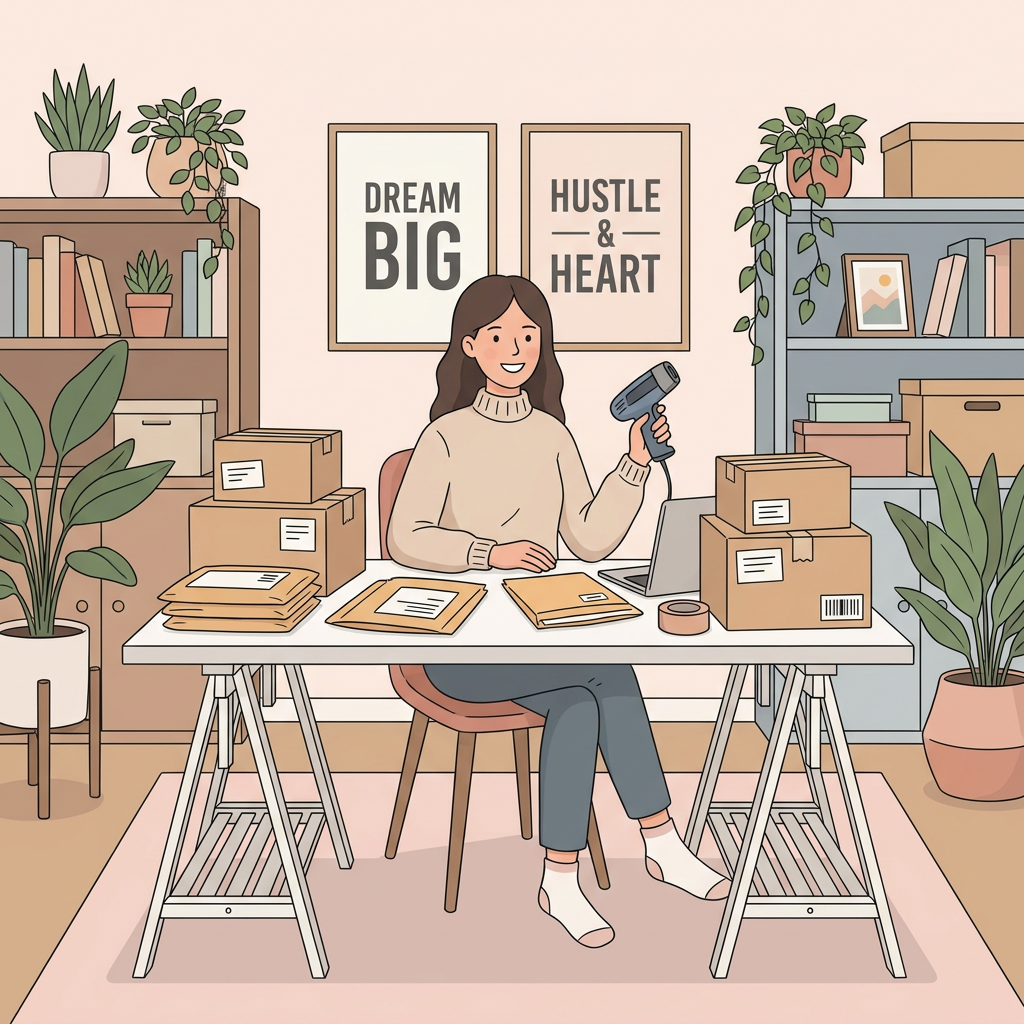 | Meet Bea. | Show an online seller surrounded by packages to be sent. Incidental props show her very millennial office space - plants, inspirational quotes. |
| 3 | 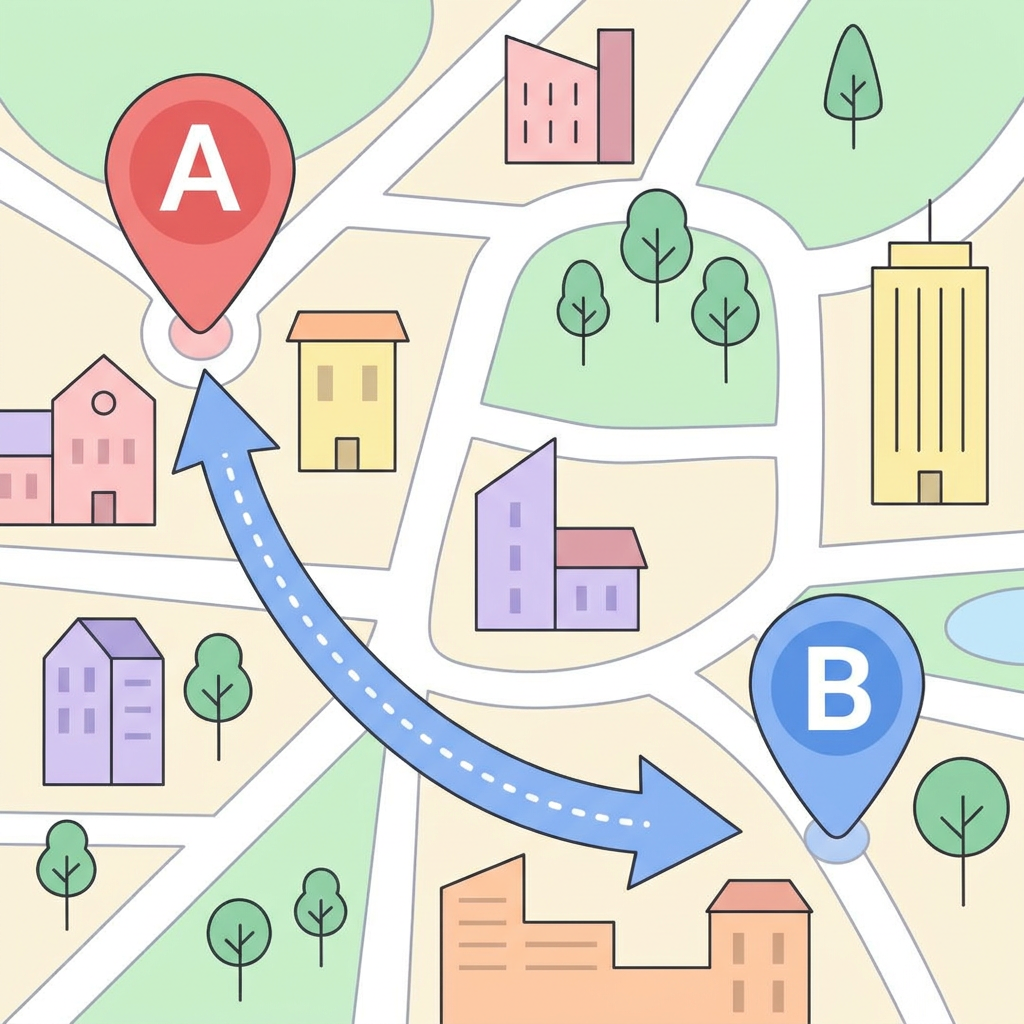 | She is in Pasig and she needs to send a package to Makati. Nasa Pasig siya at kailangan niyang magpadala ng package to Makati. | Image of a map or something similar, then there's an arrow going from point A to B |
| 4 | 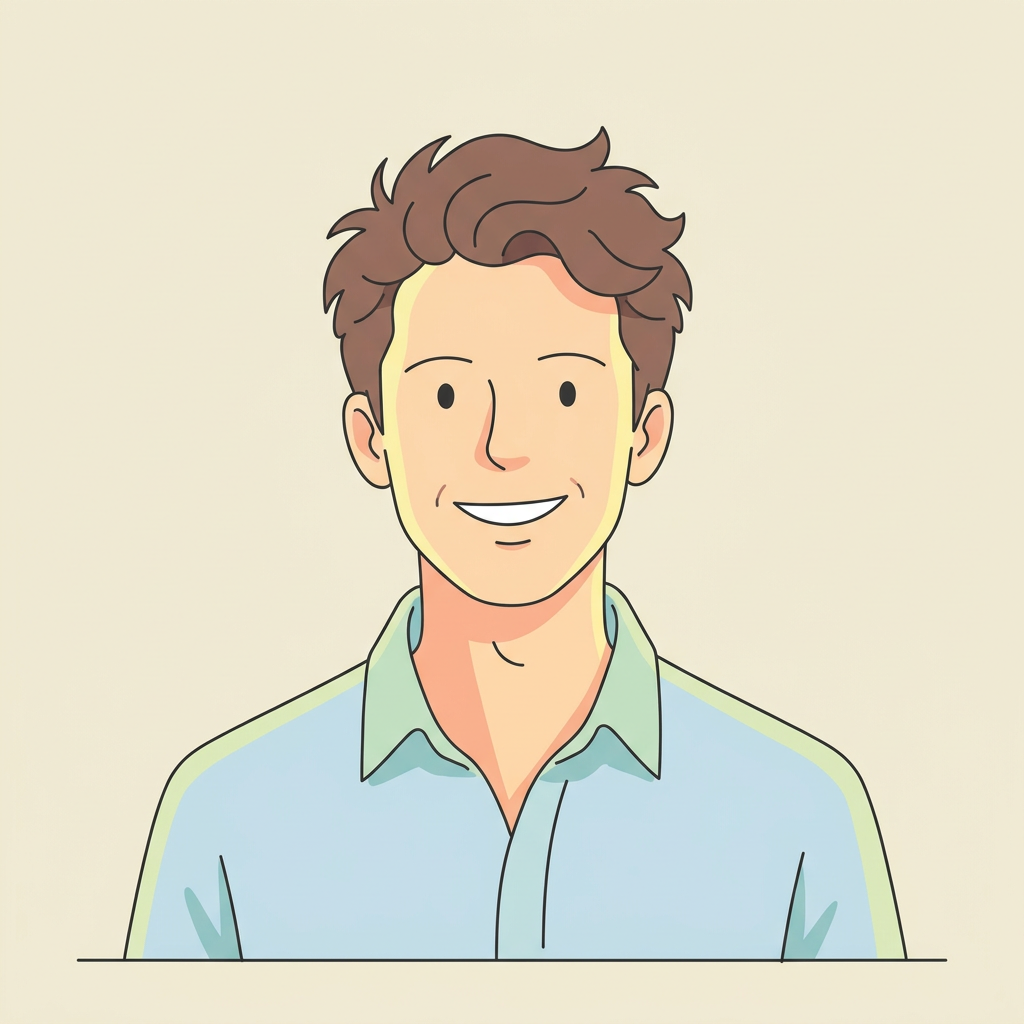 | Meet Mario. | Show Mario, smiling |
| 5 | 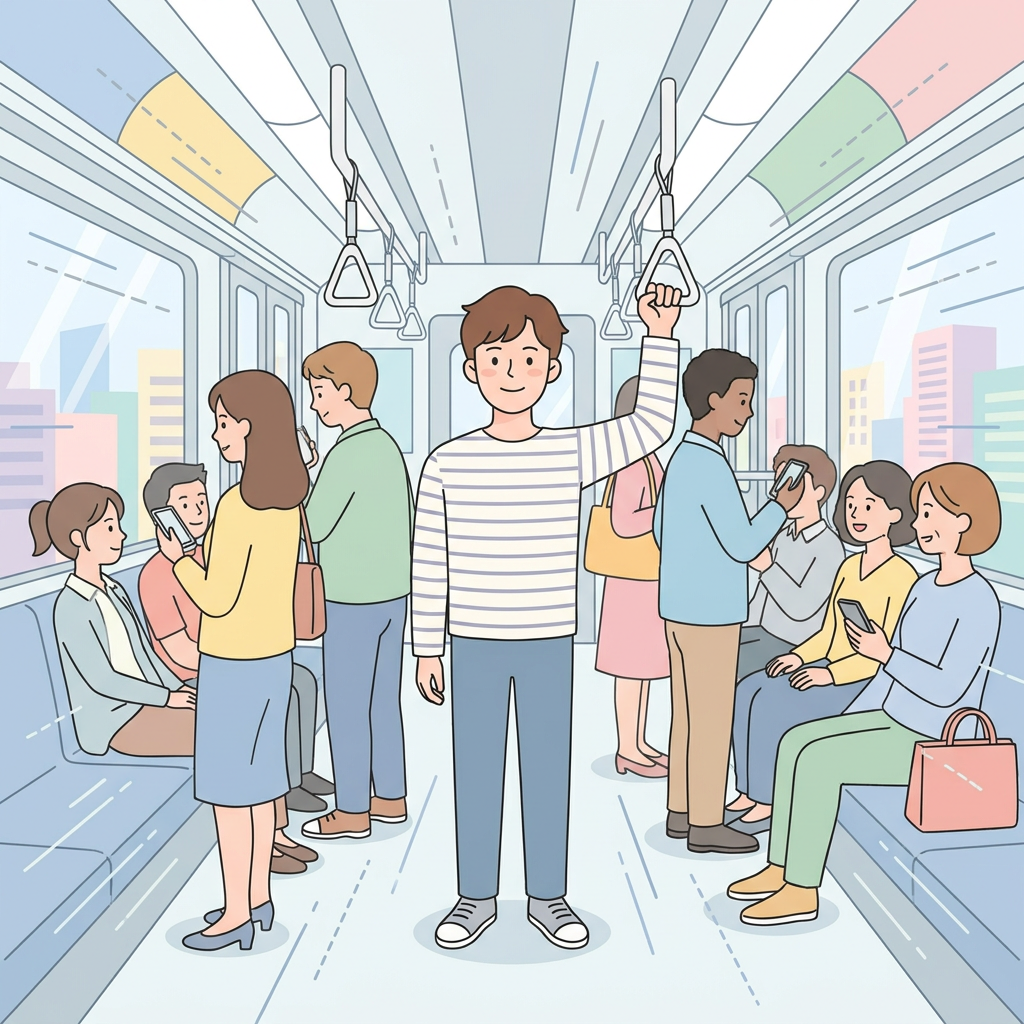 | He is also from Pasig but he commutes to Makati every day. Taga-Pasig rin siya pero nagko-commute siya papuntang Makati every day. | Show Mario in a crowded MRT. Close up of hand hanging on a hand grip Full shot Mario sideways, getting through the train motion and handling the hand grip |
| 6 | 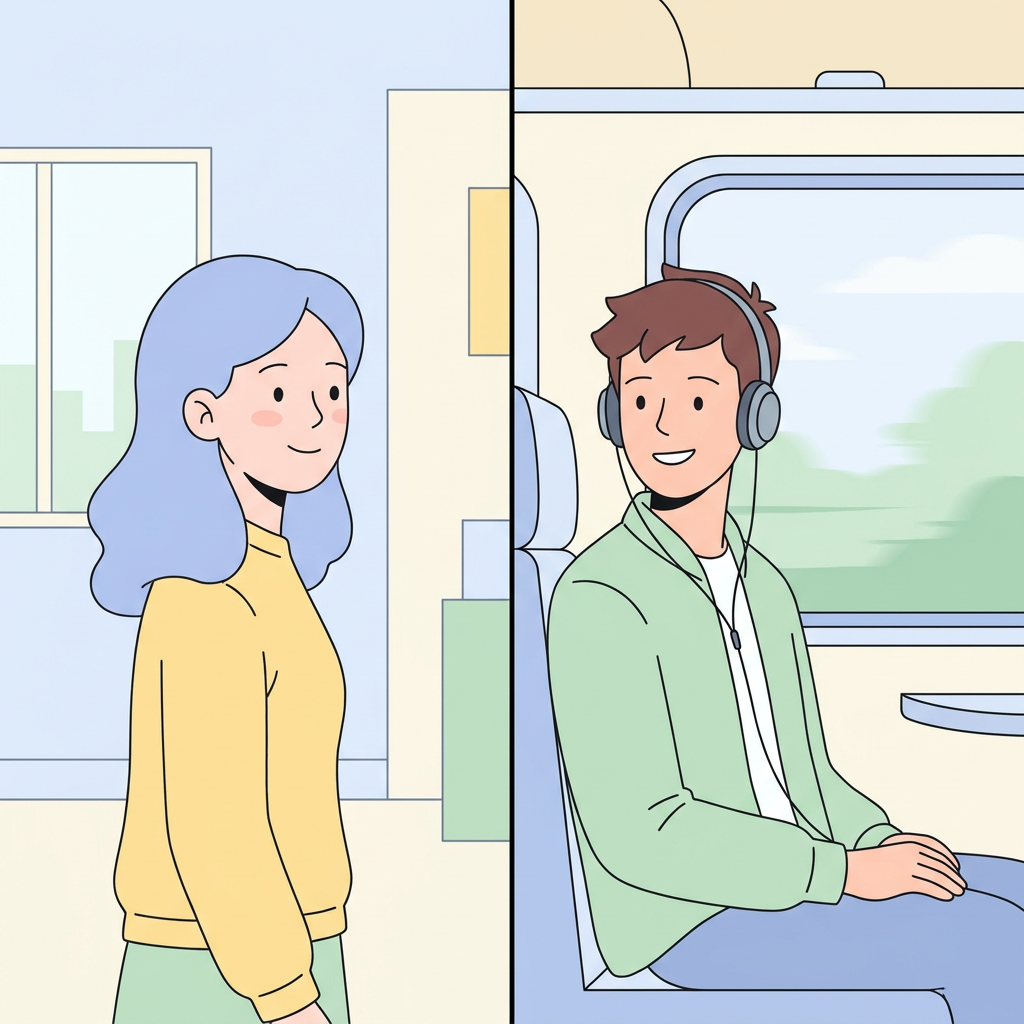 | What if there's a way for them to help one another? | Split screen - show Bea looking right frame, Mario looking back at Bea. |
| 7 | 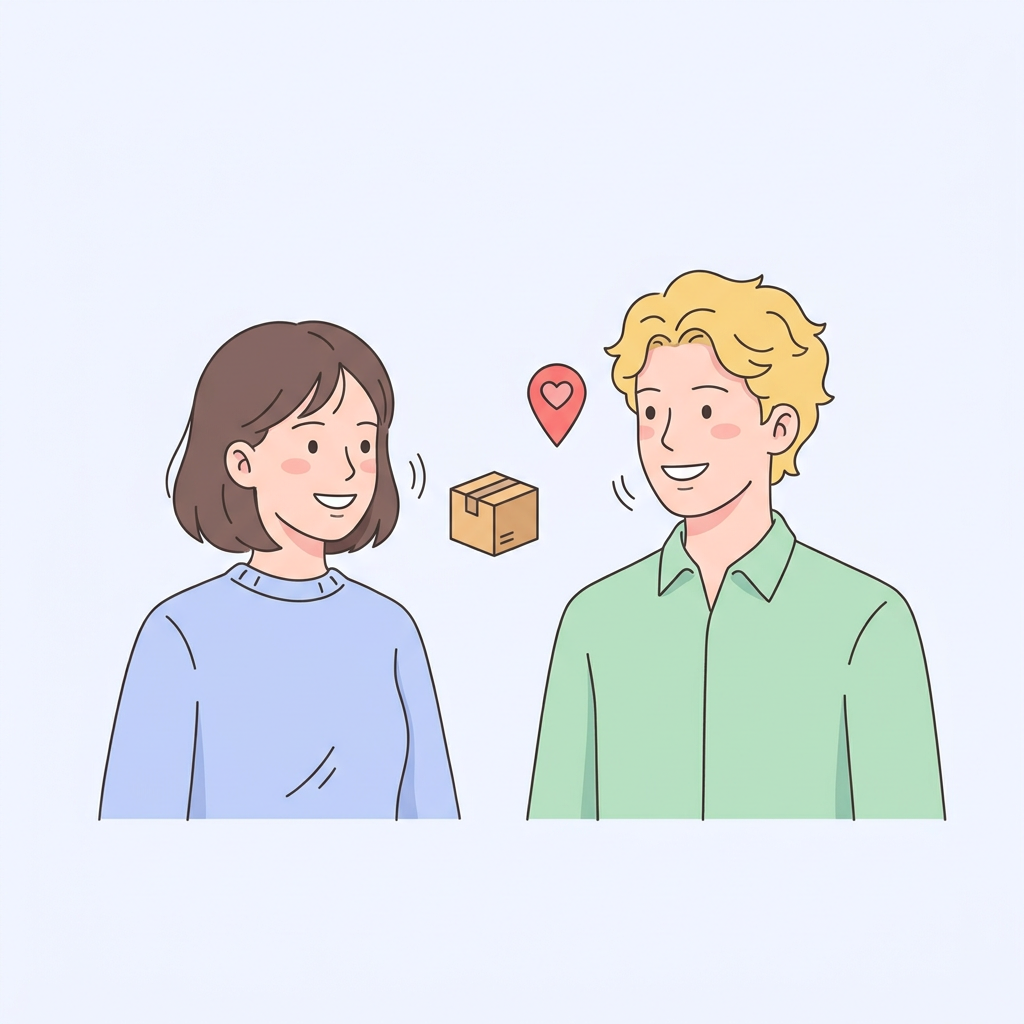 | It's possible with #PASABAYDELIVERY or Crowdshipping | “#PasabayDelivery” term appears on screen and when it is mentioned, the characters can smile as if in agreement |
| 8 | 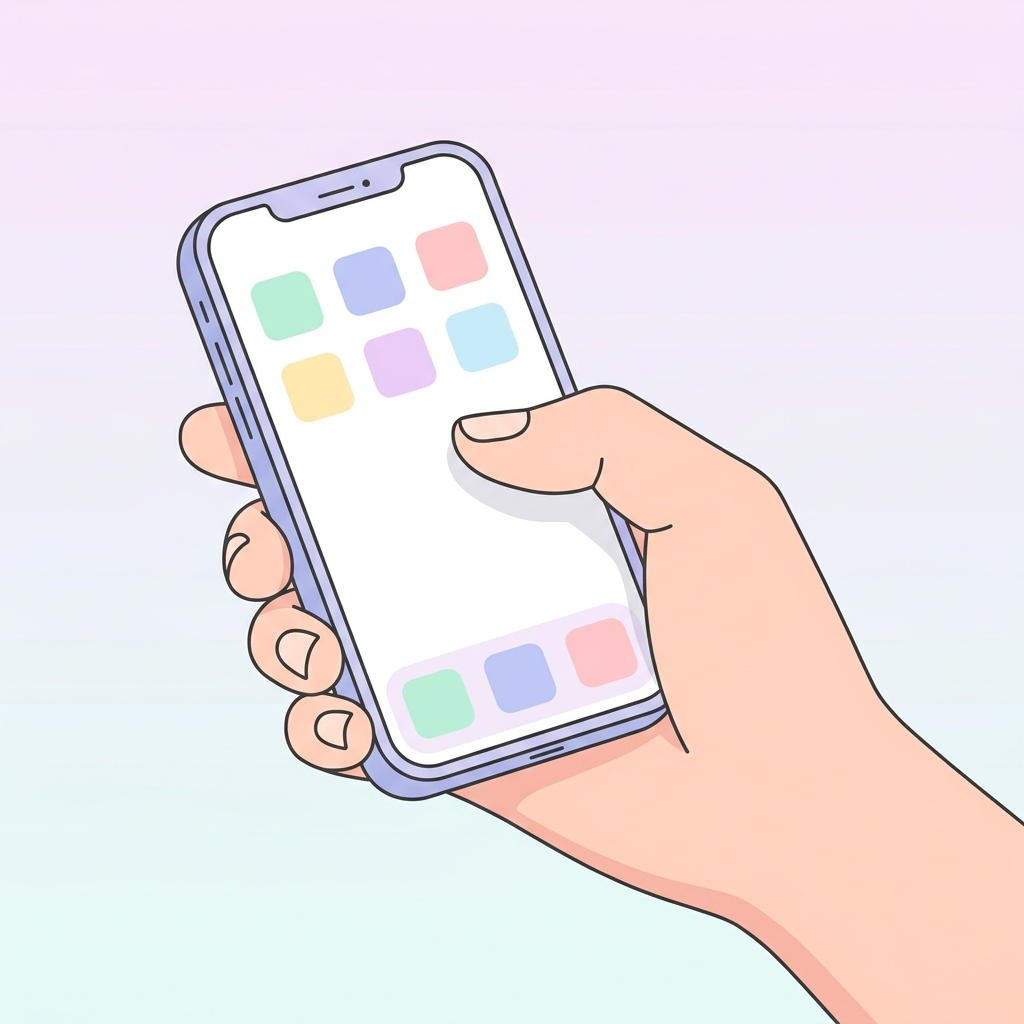 | Through Jojo app, | Show the hand of Bea holding a phone |
| 9 | 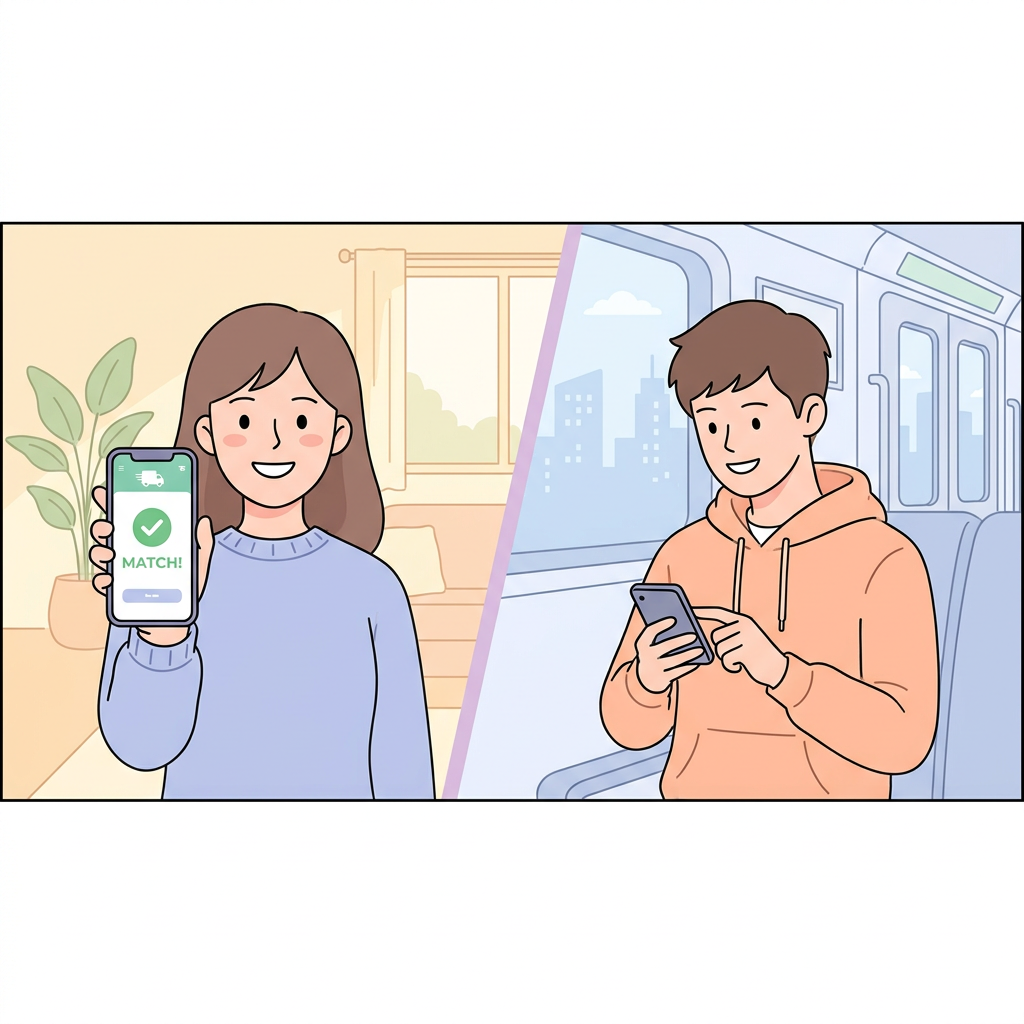 | pwedeng ipasabay ni Bea ang package niya kay Mario | Frontal shot of Bea holding the phone with Jojo app. We show a graphic with 'We found a match' We split the screen again with the mid shot of Mario, with his phone and smiling. |
| 10 | 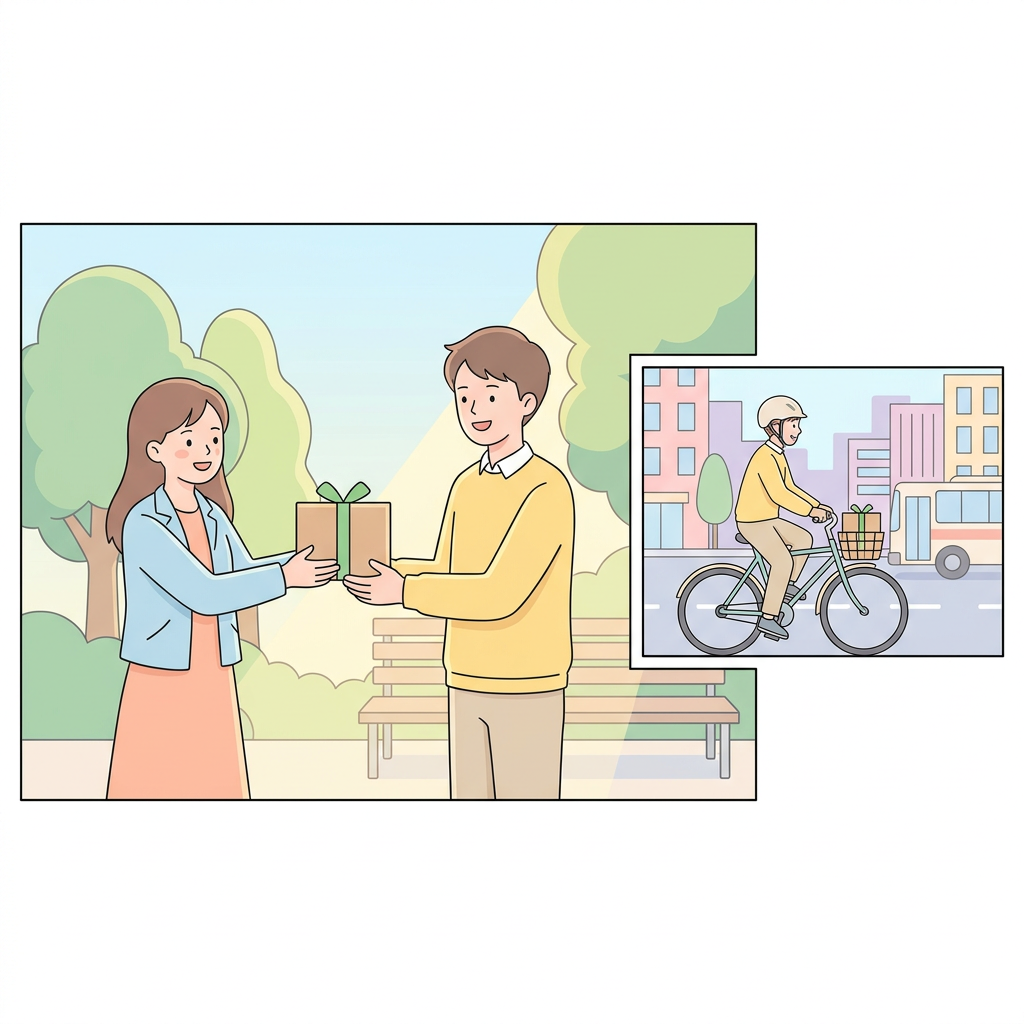 | at pwedeng kumita si Mario ng extra money on his way to Makati. | Show Mario getting the box from Bea and heading to Makati with it. Close up & mid shot of package delivery, full shot of Mario commuting with package |
| 11 | 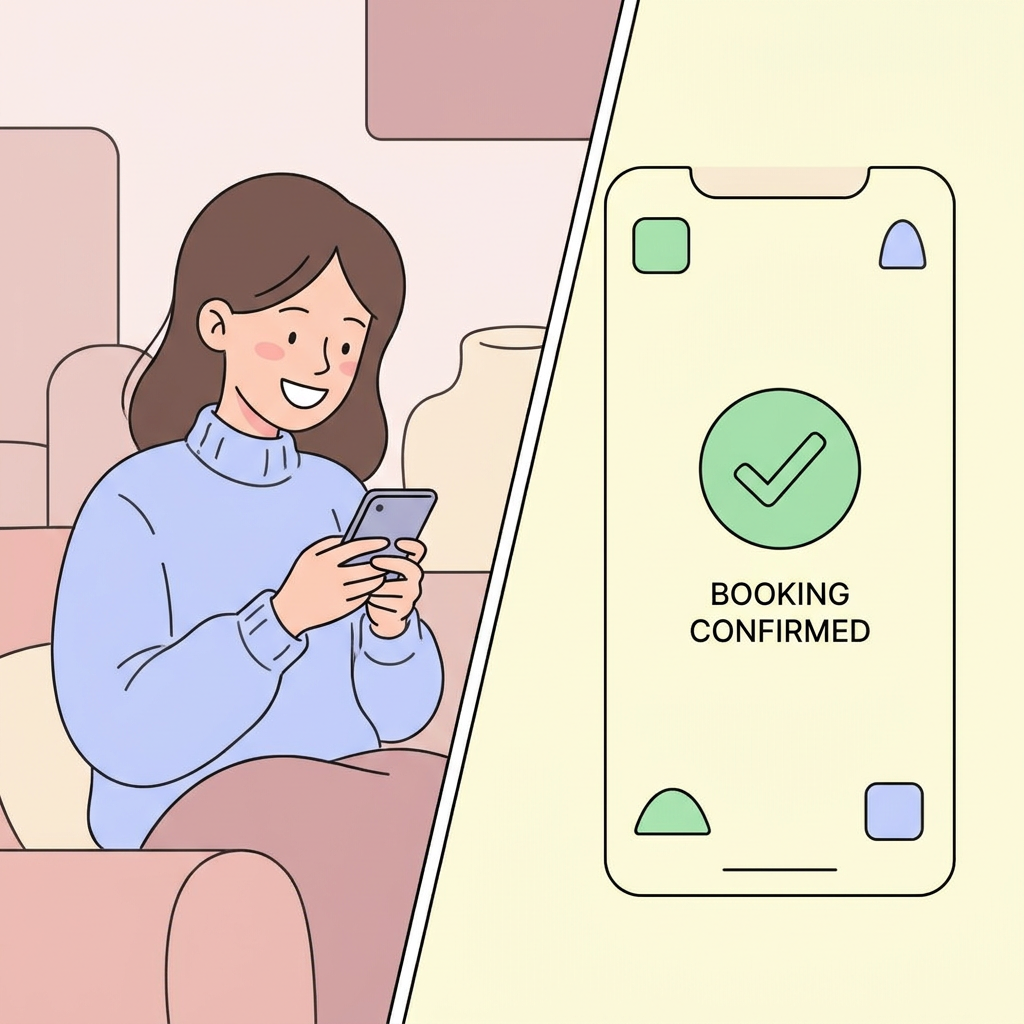 | The sender gets fast, secure and convenient shipping | Show a smiling Bea looking at her phone. Split screen with the app animation showing the confirmed booking |
| 12 | 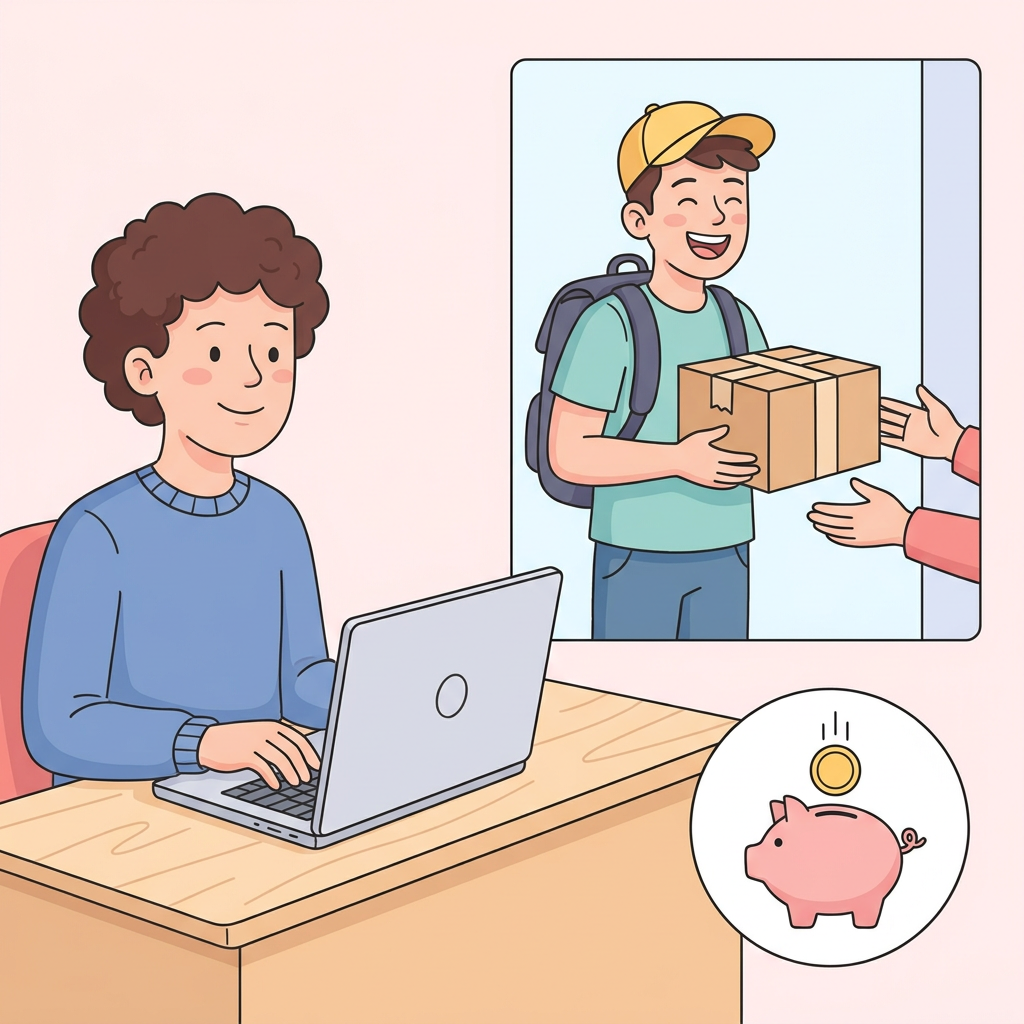 | while helping a fellow Filipino turn his commute into cash. | The receiver is typing on a computer, Mario enters the frame in a funny way and delivers the item. Next frame, a blue piggy bank and Mario inserting a bill inside. |
| 13 | 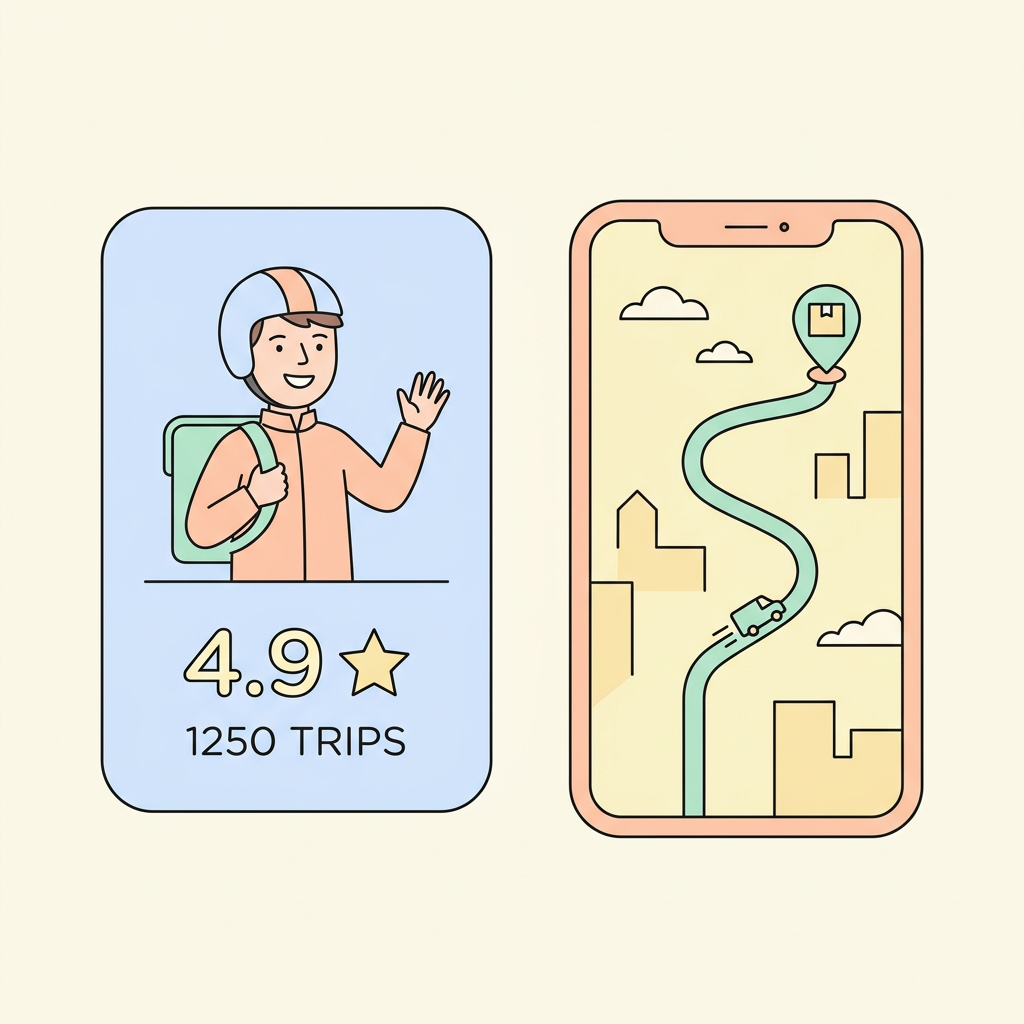 | Ang mga Jojo transporters ay verified at rated by the community. Pwede pang i-track ang delivery live via the app para siguradong in good hands ang package mo. | Jojo Transporter profile tagged as 4.9 stars rating plus the number of trips Real-time app tracking screenshot - show movement |
| 14 | 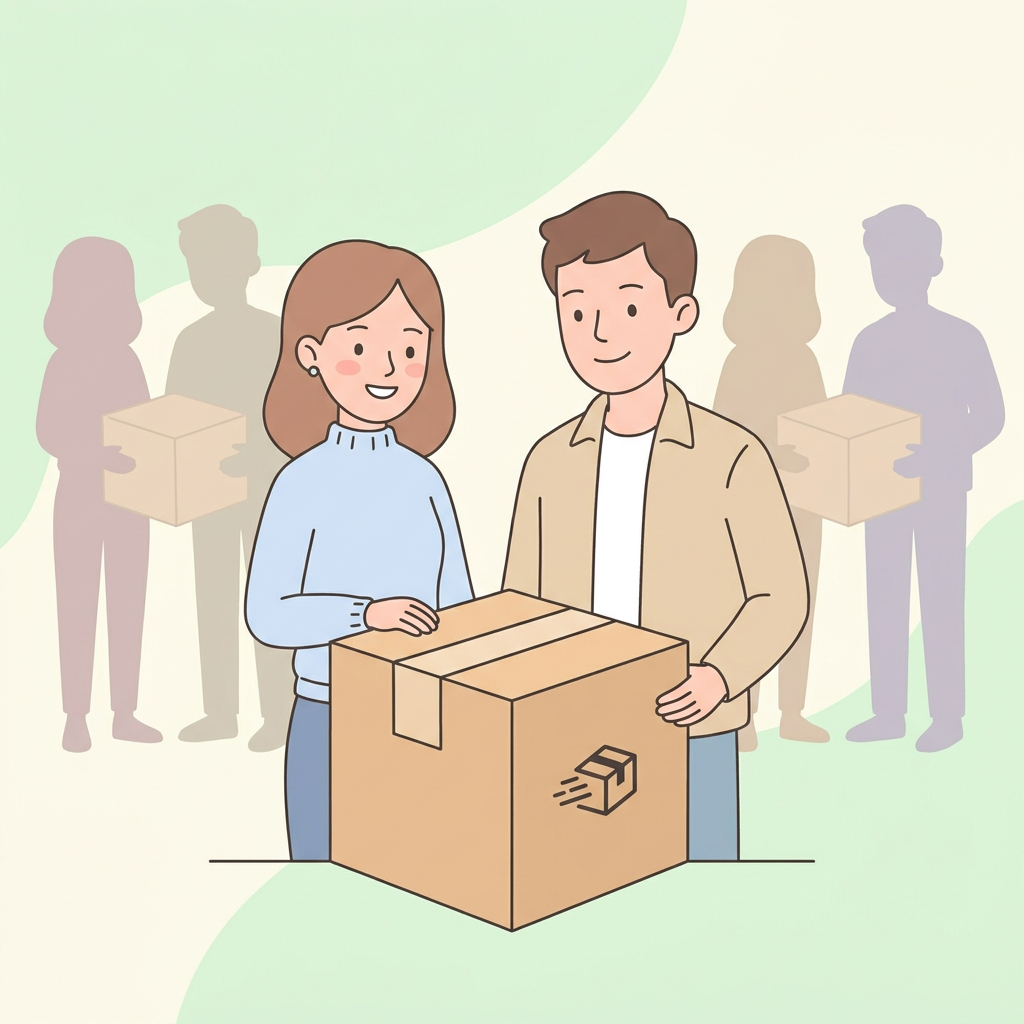 | Hindi diyan nagtatapos ang pagtutulungan sa Jojo! | Show Bea and Mario talking with the package. The two are being replicated to represent other senders and transporters. |
| 15 | 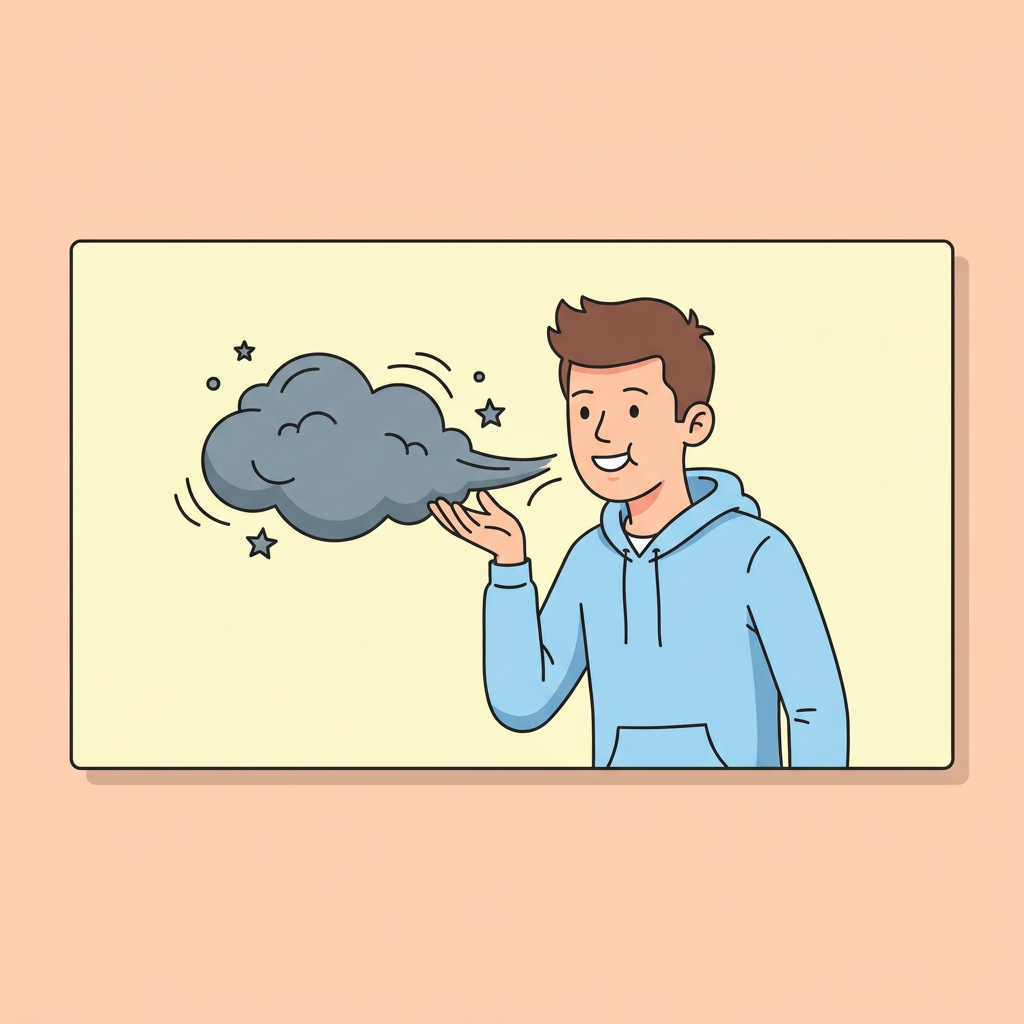 | Ang bawat #PasabayDelivery ay nakakatulong rin sa pagbawas ng traffic at polusyon sa Pilipinas. | We see Mario blowing a dark cloud out of the frame |
| 16 | 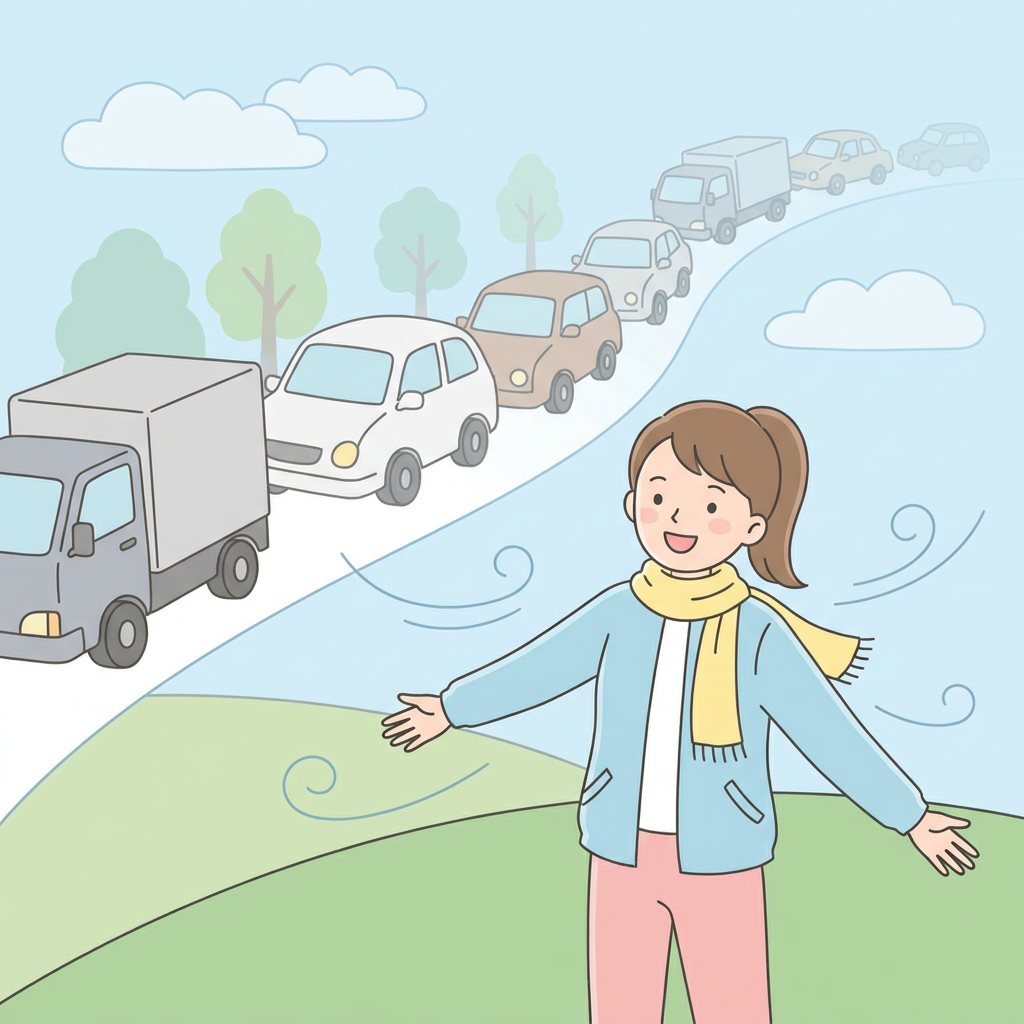 | After all, no extra cars or trucks will be added on the road, wala rin extra wrapping bags ang kailangan kapag nagpasabay ka kay Jojo! | We see Bea, air in the wind, breathing clean air while the many moving vehicles are slowly reduced |
| 17 |  | Send through Jojo or be a Jojo. Download the Jojo app at makisabay na! | Show Jojo logo. Show Google Play Store and App Store logos. |
| 18 |  | If you want to know more about us, visit myJojo.com or follow us on social media at @Jojodelivers. | MyJojo.com FB, TW, IG, YT @Jojodelivers |
Shared with us directly by the director — her real storyboard, transcribed here scene by scene. On scenes 1, 17, and 18 the image is JoJo's own brand asset (logo, app badges, end card). Everywhere else, her original reference was licensed stock photography, so instead of reproducing that, we generated a new illustration from the same shot description — a real example of a storyboard image for each scene, just not her actual photo.
That's the real, finished ad, embedded directly from JoJo's own Facebook page — not made by us, shown here purely as a real example of a storyboard becoming a finished ad.
Practice the same layout on /ads — finished video, storyboard stills, then your own drop grid.
Pro prompt, broken down
Cinematic car commercial — dealership key handoff (Higgsfield)
This is the exact prompt Higgsfield used for the opening scene of their AI car commercial: a race driver in a bad disguise picks up his keys, and the consultant works out who he is a second too late. It fits 7 shots and 6 cuts into one 12-second generation.
How it's built
- Reference definitions. Every @name (@hero_secretive_03, @manager_01, @car_sheet, @key, @prop_racedriver, @dealership3) is a reference image they locked before writing the scene: two characters, the car, the key, the champion photo and the showroom. Each line only says what that image is for (appearance, prop or location).
- Technical block. Look, format and hard rules in one place: 16:9, 12s, 35mm Kodak 500T grain, SFX only, and "exactly seven shots and six cuts, no extra inserts".
- Shot list. SHOT 1 to SHOT 7, one beat each. The acting is written as physical cues (eyes widen, brows lift, a barely-there smile), not mood words.
- SFX line. Every sound, in order, so the audio lands on the cuts.
No single take nailed it. They ran it 4 times and stitched the best beats together: the opening from take one, the wide from take two, the key close-up from take three and the rest from the last one. Judge a batch shot by shot, not take by take.
The video opens on the finished commercial, starting with this dealership scene; the rest is their full build walkthrough. Embedded from Higgsfield's official YouTube channel.
— REFERENCE DEFINITIONS — @hero_secretive_03: Young man in his early 20s in a light disguise — light tan skin, dark curly hair under a brown baseball cap pulled low, rectangular orange-tinted glasses, a thick fake-looking dark mustache, small silver hoop earrings, brown suede zip-up jacket over a cream white crew-neck t-shirt, blue straight-fit jeans, white low-top sneakers — character appearance only. Reference. @manager_01: Woman in her early 30s, dealership consultant — short neat copper-blond bob, fair skin, composed professional face, light blue button-up shirt under a fitted dark navy pantsuit, black heels — character appearance only. Reference. @car_sheet: Modern dark red sports sedan, sleek fastback silhouette, black mesh rims, tinted windows, silver four-pointed star emblem — vehicle appearance only. Reference. @key: Premium car key fob — glossy dark red body with a black leather center strip, silver four-pointed star emblem and "GENOVA" lettering, steel key ring — prop reference only. Reference. @prop_racedriver: Framed photo on the showroom wall — a race driver in a black-white-red racing suit joyfully lifting a golden trophy overhead, curly dark hair, beaming open-mouthed celebration; mounted in an elegant glass frame with a clean glass border, flanked by more framed photos on its left and right — prop reference, the photo's subject is the same face as the hero without the mustache and cap. Reference. @dealership3: Modern car dealership showroom interior — vast spacious hall with a sweeping curved floor-to-ceiling glass facade, warm wooden ceiling panels meeting a high dark ceiling, angular wood-clad walls, polished light floor with long hard sun shadows falling through the glass grid, a couple of display cars parked across the open floor, white reception counter, sunny parking lot with rows of cars visible right outside the windows — location and mood reference. Reference. — TECHNICAL BLOCK — Cinematic photoreal. 16:9. 12s. SFX only, no music. Film 35mm, Kodak 500T film grain, organic color, soft contrast, filmic look. Hard warm shafts of sunlight cutting through the glass facade, striking the location and the characters. NO CGI. NON-IP. Exactly seven shots and six cuts — no more, no fewer, no extra inserts. Fast, lively, dynamic editing, vivid natural acting, alive spontaneous emotions. English dialogue, natural American accent. Extreme facial micro-expression detail. — PROMPT — The sequence consists of exactly seven shots separated by exactly six cuts — dynamic, alive, briskly paced, hard warm sunlight rays streaking across the vast showroom of @dealership3 throughout, cinematic 35mm Kodak 500T texture. SHOT 1 — medium shot inside the spacious showroom: @car_sheet stands facing the camera front-on at a 3/4 angle, its front and star emblem catching a hard warm beam of light; to the RIGHT of the car @hero_secretive_03 strolls slowly and unhurried along its side, taking his time, hands clasped behind his back, appraising it with a slow evaluating once-over, a connoisseur's small nod, completely relaxed; deeper in the hall a couple of other display cars stand across the open floor, and in the background 3-4 customers live their own lives — a couple chatting quietly by one of the display cars and gesturing at it, a man wandering past with a phone pressed to his ear in mid-conversation, someone browsing a brochure — natural lively background action in the wide sunlit space. The camera pushes in toward him to a close-up — behind his back @manager_01 hurries toward him across the floor; he suddenly hears her steps, a quick sideways flick of the eyes, instantly straightens his fake mustache and tugs his cap lower, clears his throat — "khm khm" — and turns around. Cut. SHOT 2 — wide side shot toward the glass windows and the car, the hero on the left, the consultant on the right, another display car visible deeper in the hall behind them: @manager_01 walks up and hands him the key @key, polite, with a touch of awkwardness, a small courteous nod: "Mr. Magic, here is your key." Cut. SHOT 3 — tight close-up of the key handoff — @key passing from her hand to his, the silver star emblem and GENOVA lettering clearly visible in a warm shaft of sunlight. Cut. SHOT 4 — the hero, brief and courteous, a quick nod: "Thanks" — and he walks off toward the exit at a lightly hurried, easy pace — NOT running, NOT rushing, just a touch quicker than casual, relaxed purposeful steps, no lingering. Cut. SHOT 5 — close-up of @manager_01 walking away on her business — mid-step she notices something on the wall off-screen and slows, her gaze catching, a small puzzled frown, head tilting slightly, as if something strange just registered — we see only her, not the wall. Cut. SHOT 6 — frontal close-up of the framed photo @prop_racedriver on the showroom wall: the race driver joyfully lifting the golden trophy, mounted in an elegant glass frame with a clean glass border, a hard shaft of sunlight glancing off the glass, more framed photos visible on its left and right — the same face as the man who just left, no mustache, no cap. Cut. SHOT 7 — frontal close-up of @manager_01, framed toward the window: the realization lands with a visible little jolt of surprise — her eyes widen noticeably, brows lifting up, lips parting slightly for a beat, a small caught breath, a tiny stunned blink as it clicks who was just standing in front of her — and then the surprise softens into a very faint, barely-there smile — just the corners of her mouth lifting a millimeter, a subtle knowing glimmer, nothing more — and at that instant, behind her through the window, the red @car_sheet tears past in a blur with a sharp engine roar; she whips around toward the sound. SFX only: showroom ambience, lively background chatter, a muffled phone conversation, quick heels on tile approaching, a throat-clear "khm khm", key fob changing hands with a small metallic clink, easy footsteps leaving, sudden sharp engine roar and whoosh of the passing car outside, faint glass rattle.
To reuse it, lock your own reference images first (steps 1–4 above), swap your names into the reference definitions, and keep the structure.
Credits: Prompt and video: Higgsfield Academy
Our review of the AI models
We created an AI character, Harper. We made up a product, a Lucy Labs tumbler. We generated some videos without the detailed prompt structure. In that Harper comparison, Kling and Veo looked strongest. Seedance is strongest for hyper-real people when you connect directly — we offer it on Lucy, but we cannot get hyper-real people results through Lucy.
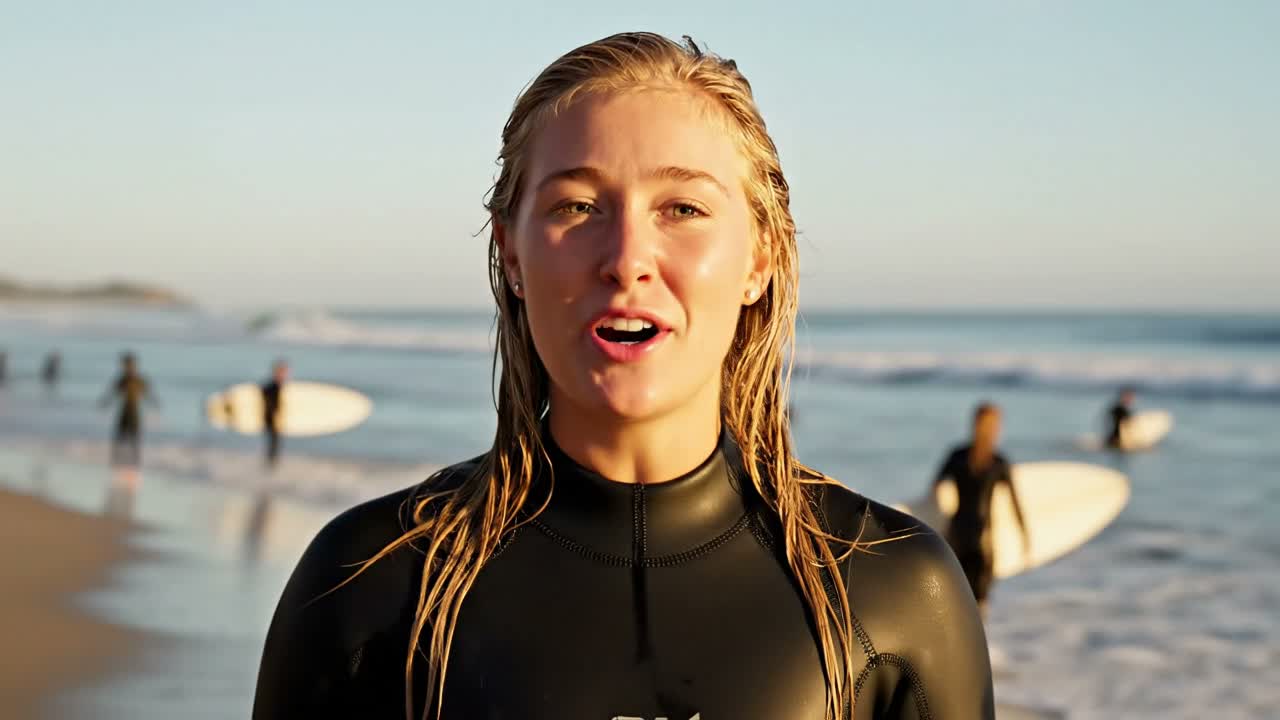
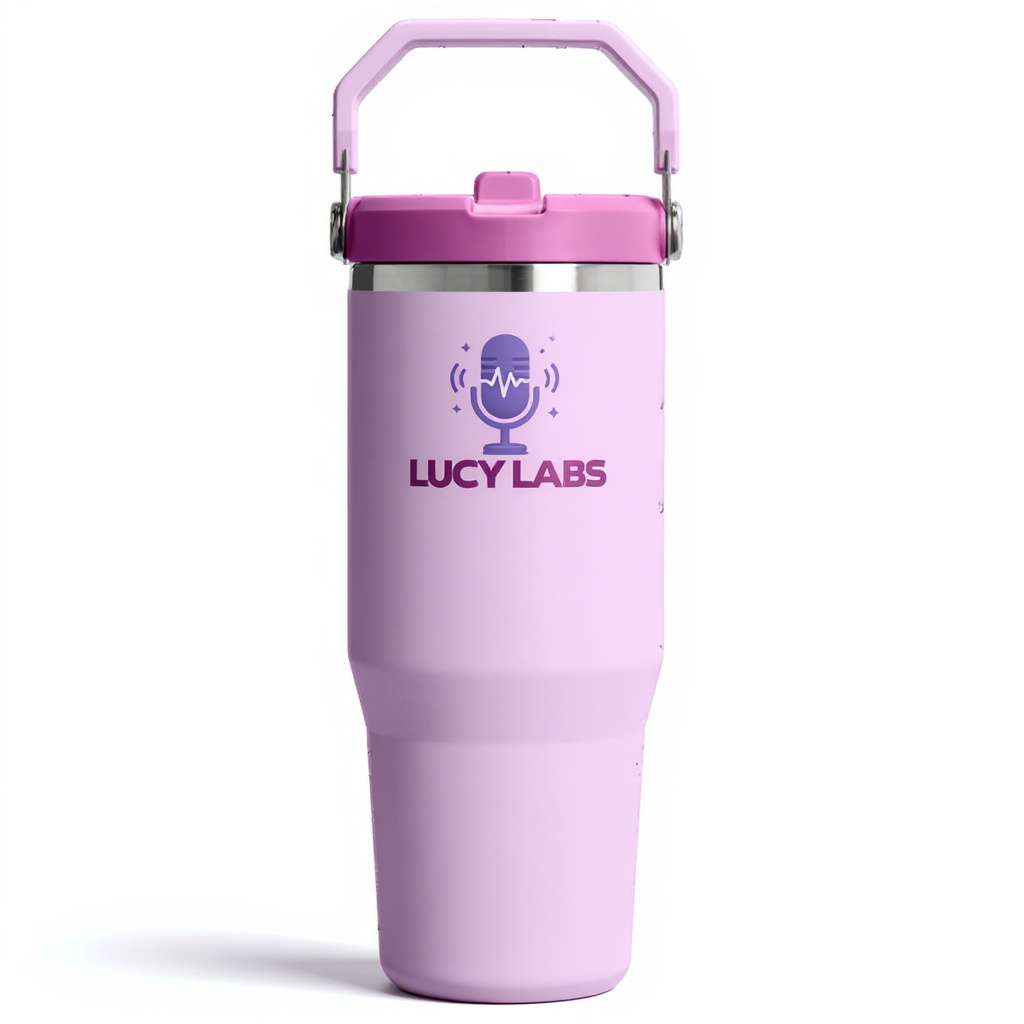
Same two-scene ad (yoga mat to corner office) run through five engines - switch models below to compare. Harper + tumbler thumbnails are the references we used.
To be clear: this tumbler isn't a real Lucy Labs product - it's a relabeled stock photo, purely for testing how well each engine keeps a product's logo intact.
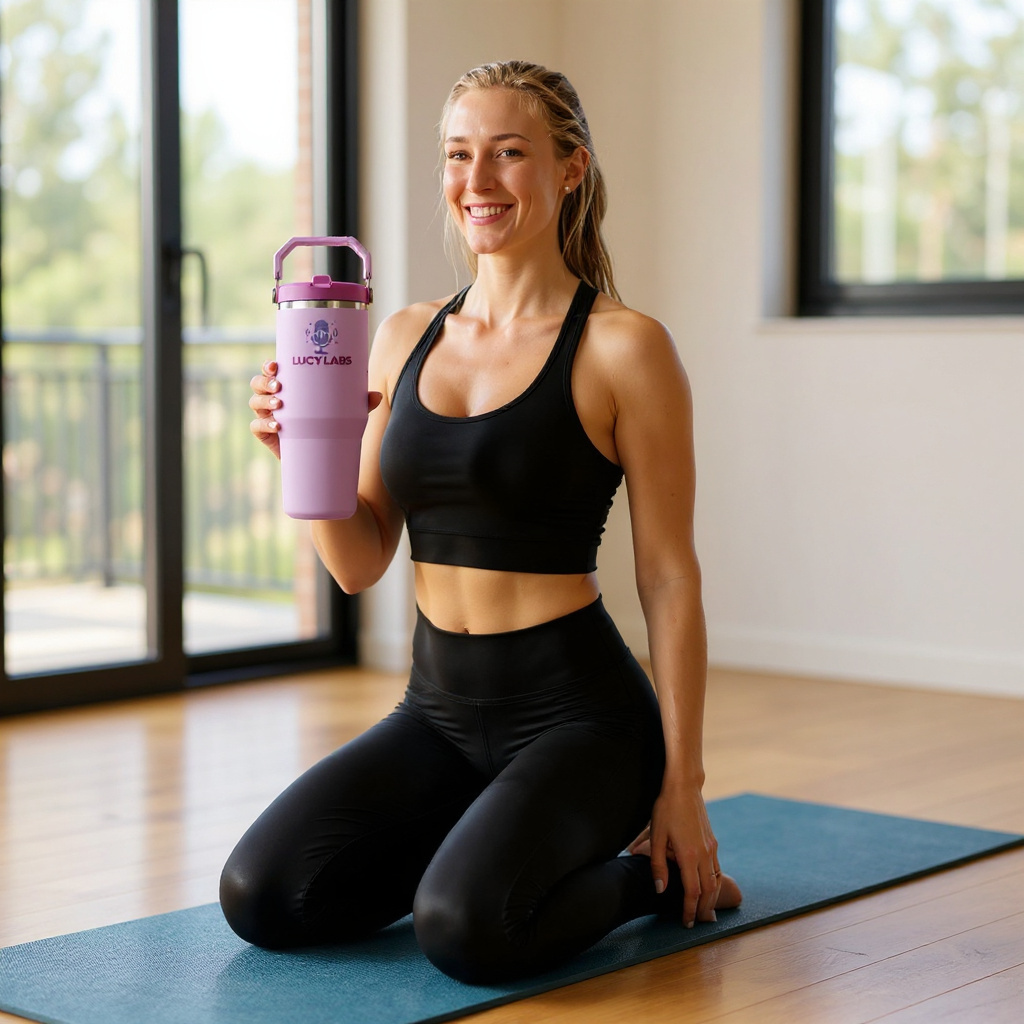
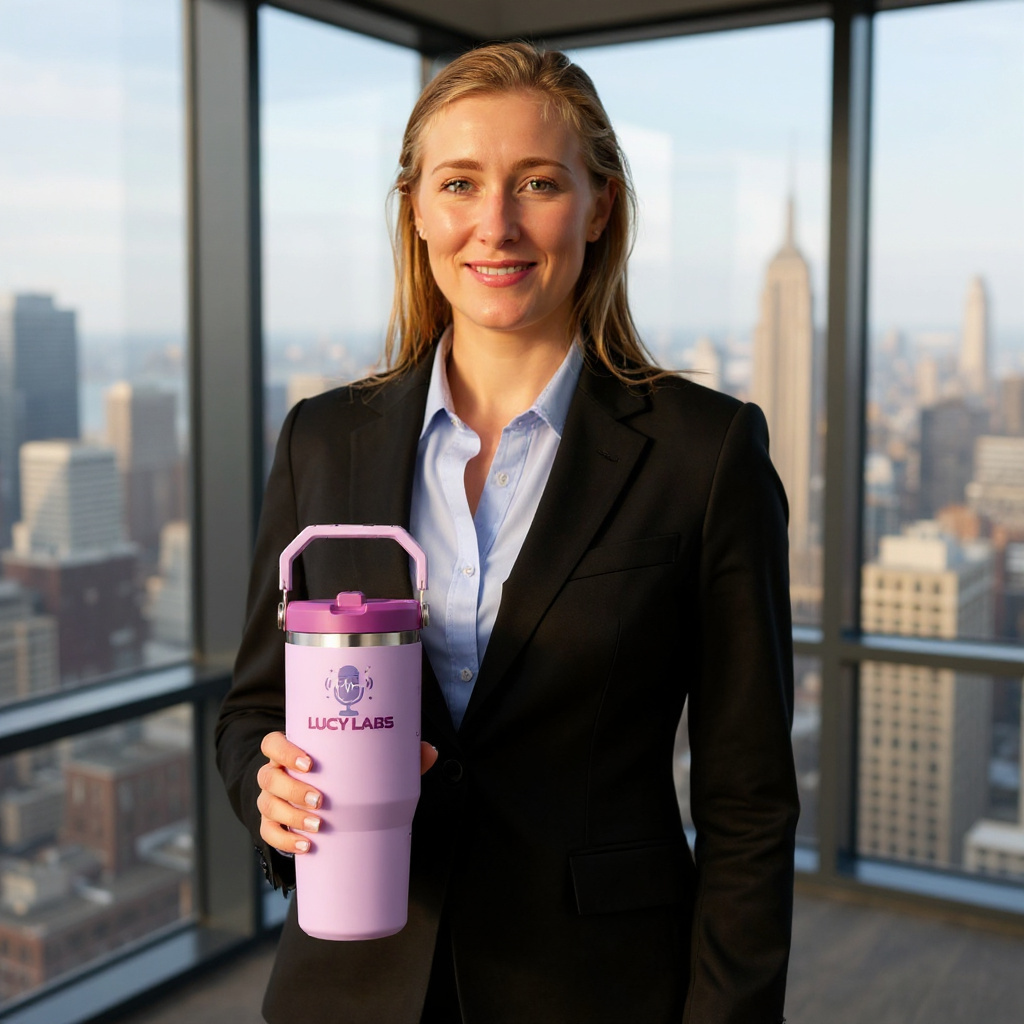
The two reference photos we actually used - one per scene, each combining Harper's photo with the tumbler photo.